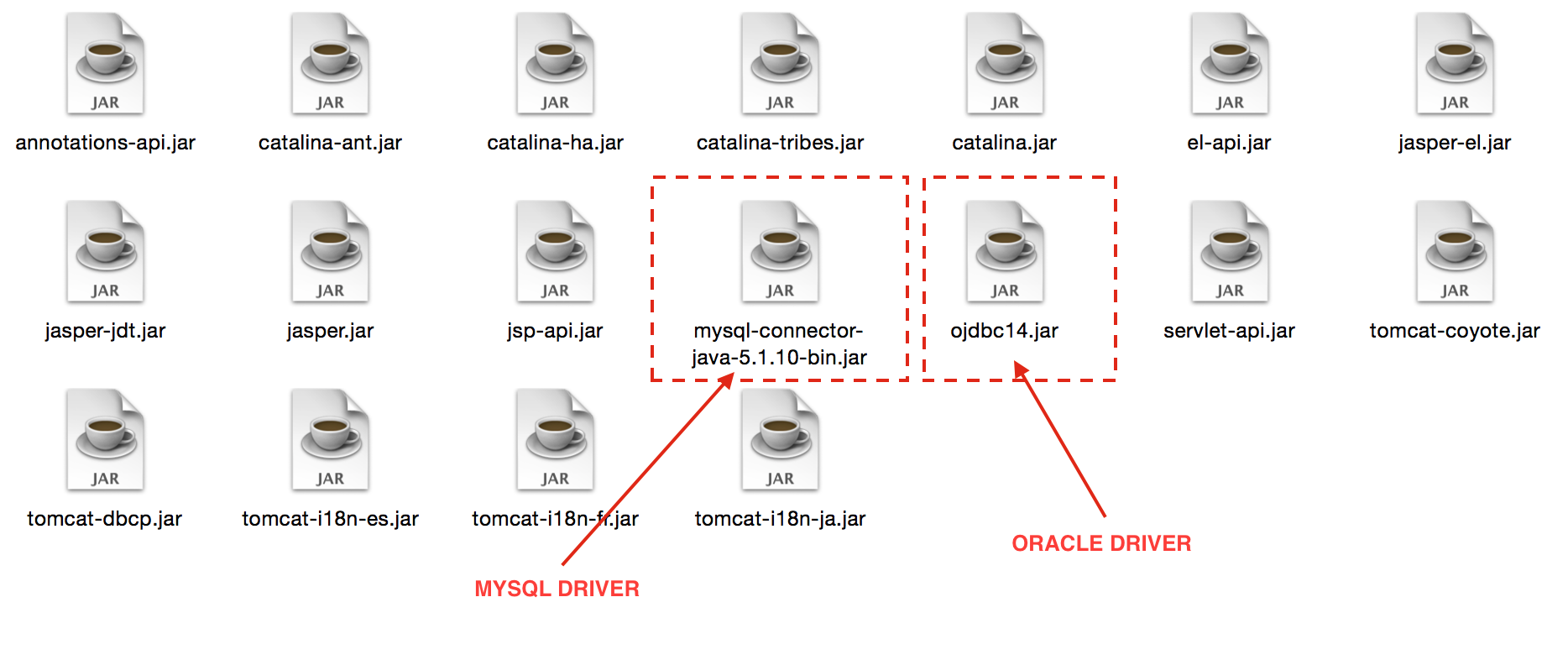
Drivers are installed under Arcturus_home/server/lib, as seen below:
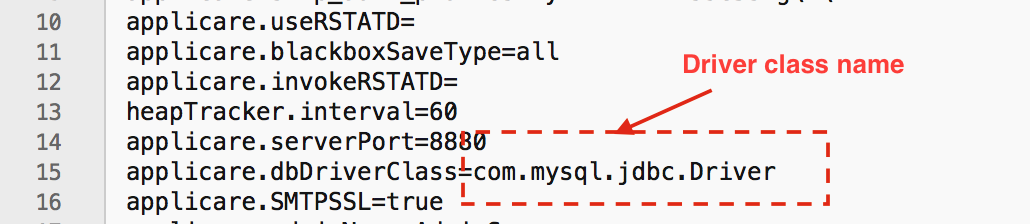
Upgrade of driver can be done by copying the right driver in Arcturus_home/server/lib. Sometimes the driver class name changes when changing the driver. Verify the driver classname and update Arcturus_home/Applicare.props if needed, as seen below:
Join the discussion
Comments, voting and following are kept by Zendesk and need a Help Center account. This button opens the original discussion there.