
Follow the steps for Installing Applicare SingleAgent.
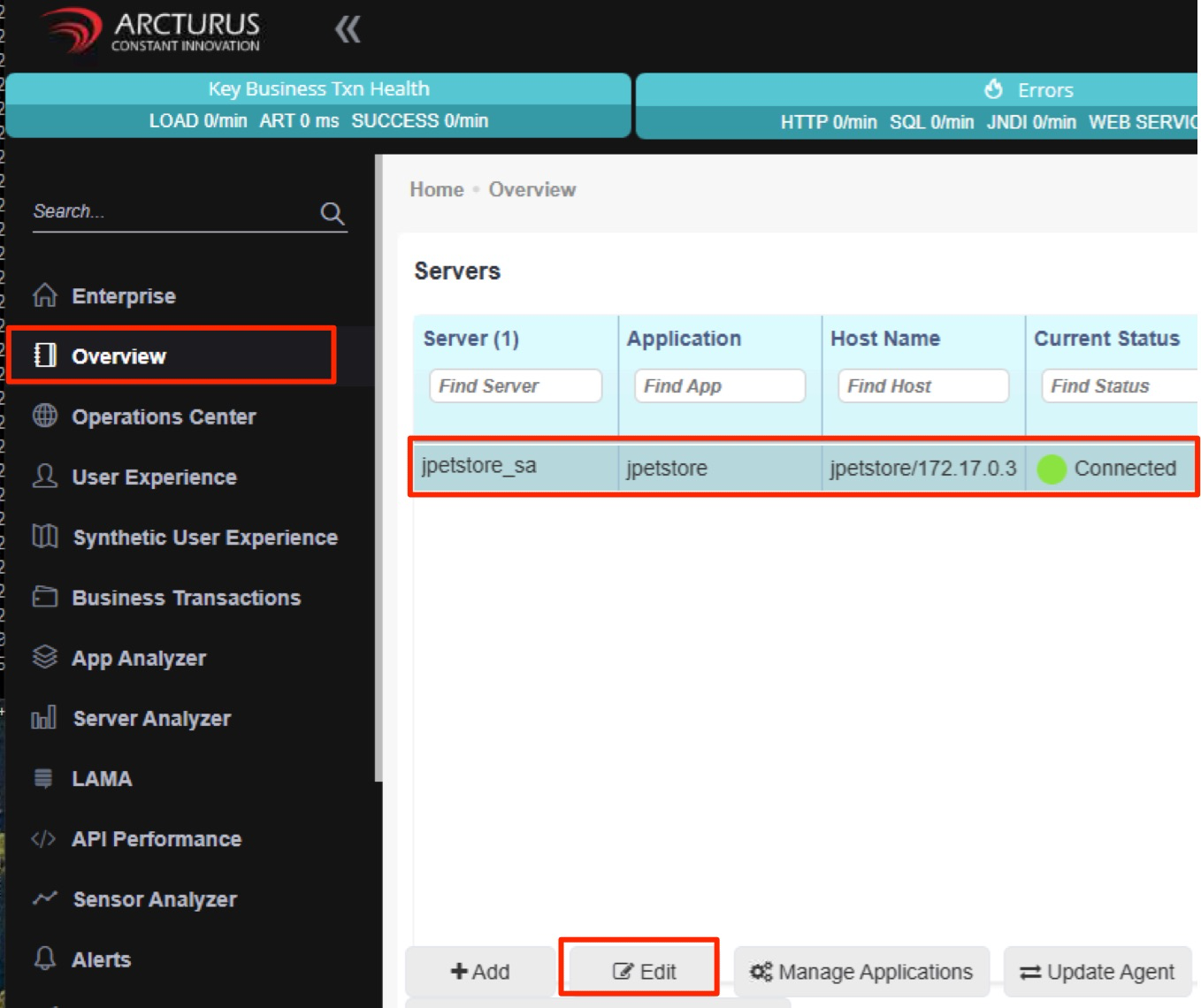
After starting the agent, it will automatically be registered with the Applicare controller. Log in to the Applicare console and navigate to the Overview menu.
After a few minutes, choose the newly added agent and click the Edit button.
Verify if the Apache configuration appears in the popup screen under the Add Apache configuration.
If the Apache configuration is not visible in this popup screen, follow the steps provided in this link