If you encounter the following Java error during while wrapper installation, follow these steps.

Step 1: Navigate to the "<Applicare SingleAgent_home_path>\Wrapper\windows" directory and edit the java_dir.config.
Step 2: Save the path to the Java installation directory including bin subdirectory, where the application is running.
Example: C:\javajdk1_8_0_265\bin
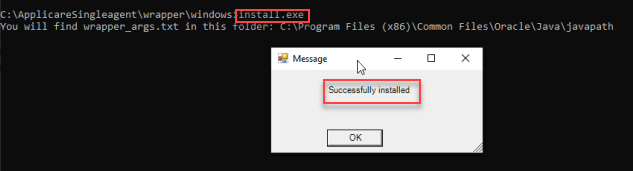
Step 3: Run the install.exe file as an administration to install Applicare SingleAgent.