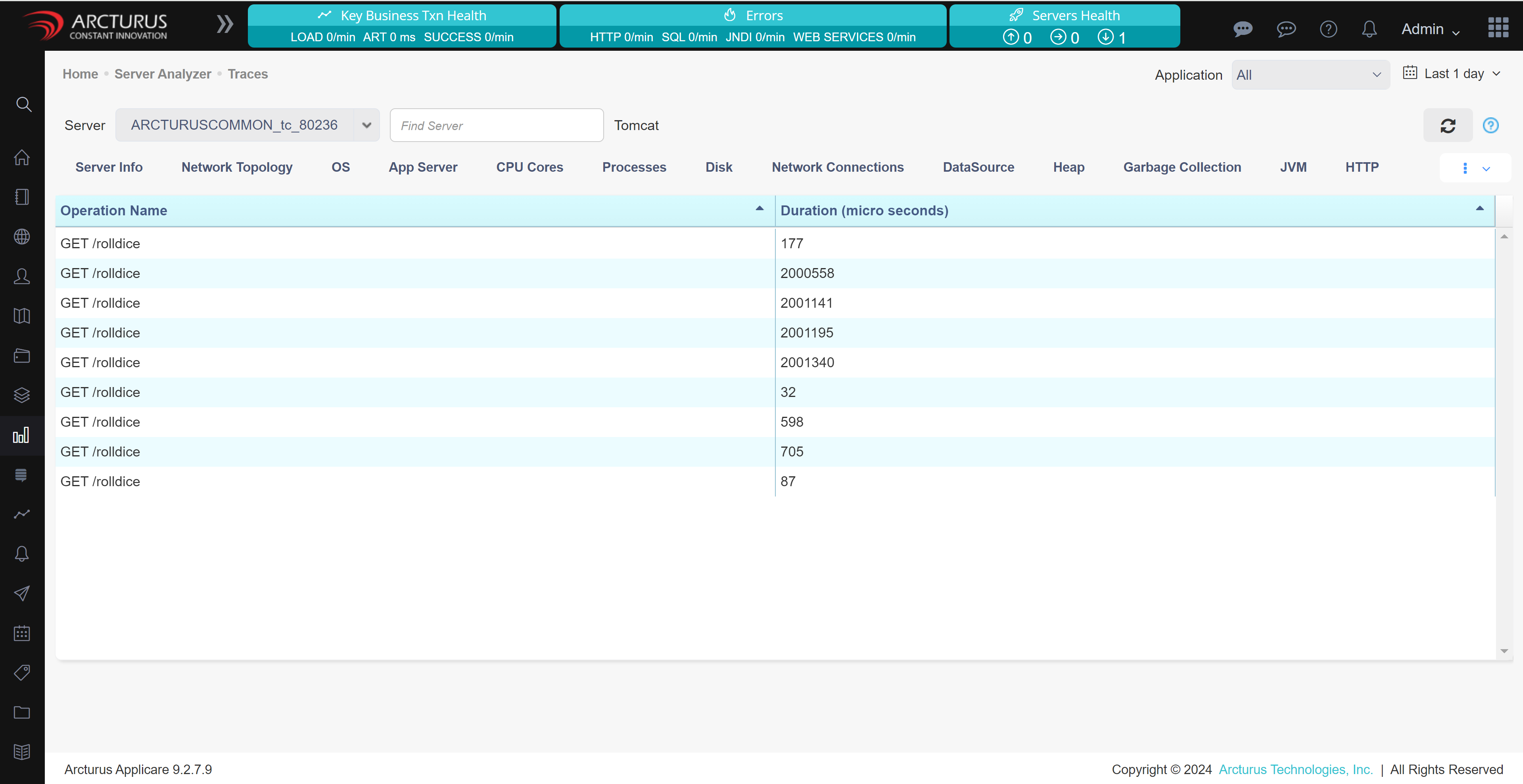
A Go executable can be instrumented without modifying the original code of the application by configuring environment variables and running the instrumentation with elevated privileges.
1. To instrument an application automatically, you need the following:
a. Linux with kernel version 4.19 or newer
b. x64 or ARM processor
c. Docker image or compiled binary for OpenTelemetry Go Automatic Instrumentation
d. Go 1.18 or newer
2. Edit the docker-compose file to add a new service for the instrumentation.
  go-auto:
    image: otel/autoinstrumentation-go
    privileged: true
    pid: "host"
    environment:
      - OTEL_EXPORTER_OTLP_ENDPOINT=http://<Applicare_Controller_IP>:4318
      - OTEL_GO_AUTO_TARGET_EXE=<location_of_target_application_binary>
      - OTEL_SERVICE_NAME=<Applicare_Agent_Name>
      - OTEL_PROPAGATORS=tracecontext,baggage
    volumes:
      - <shared_volume_of_application>
      - /proc:/host/proc
3. Use the command docker compose up to build and start the Docker containers.
4. The collected traces will be shown in Server Analyzer -> Telemetry Traces screen in Applicare console.