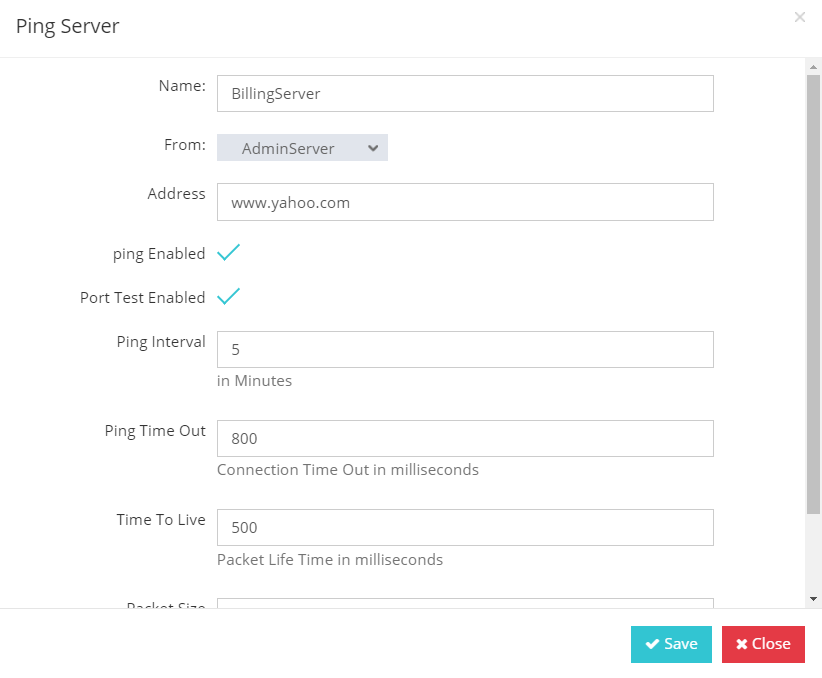
Ping Analyzer and Port Monitor
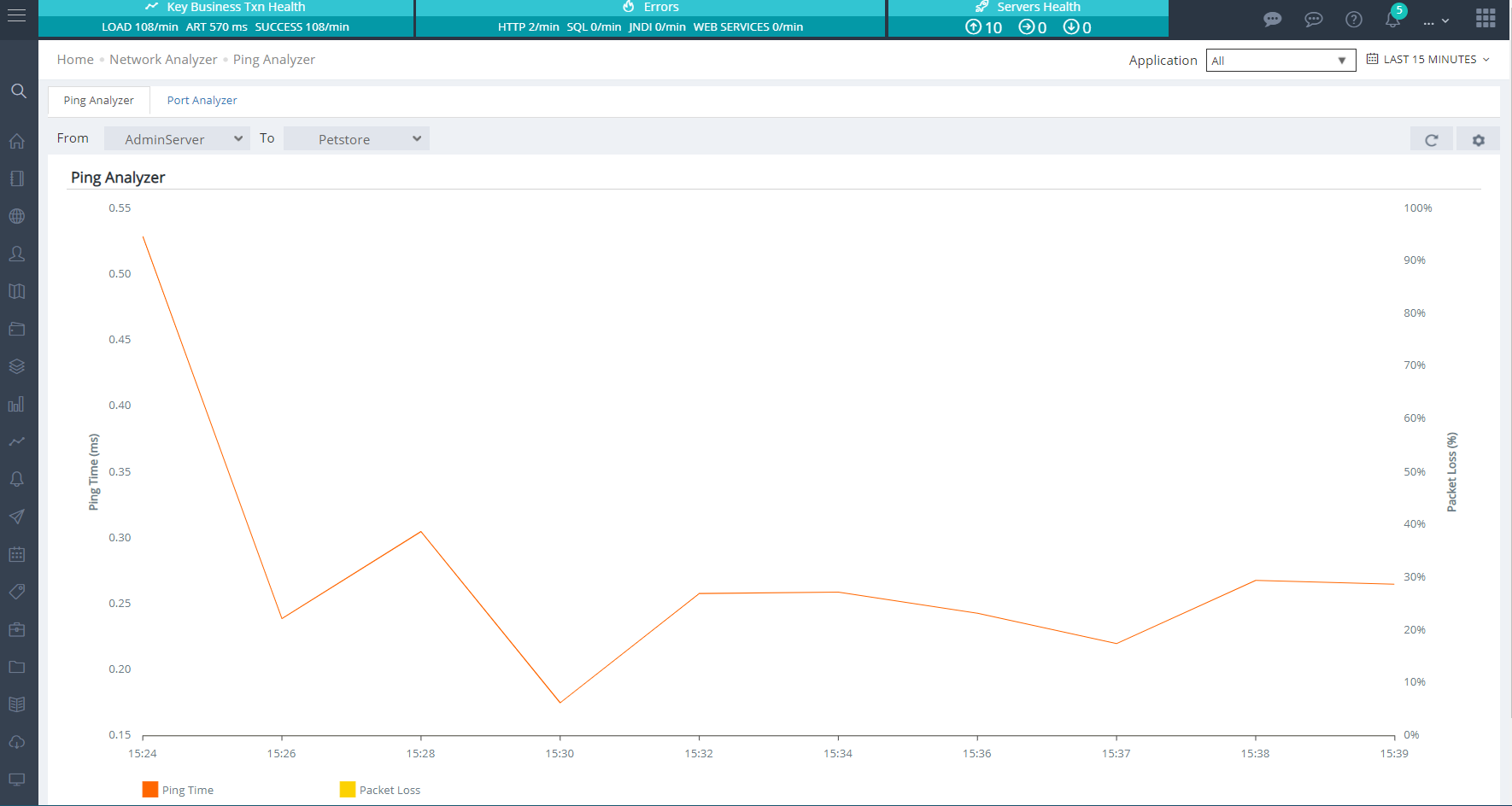
The Ping Analyzer measure the latency and packet loss when pinging a server from either the Applicare server or Applicare agents. This utility is essential for diagnosing network issues. You can configure alerts based on these metrics through JMX Alerts by navigating to Applicare Ping Monitor MBean and adjusting the Ping Time and Packet Loss properties.
Ping Analyzer
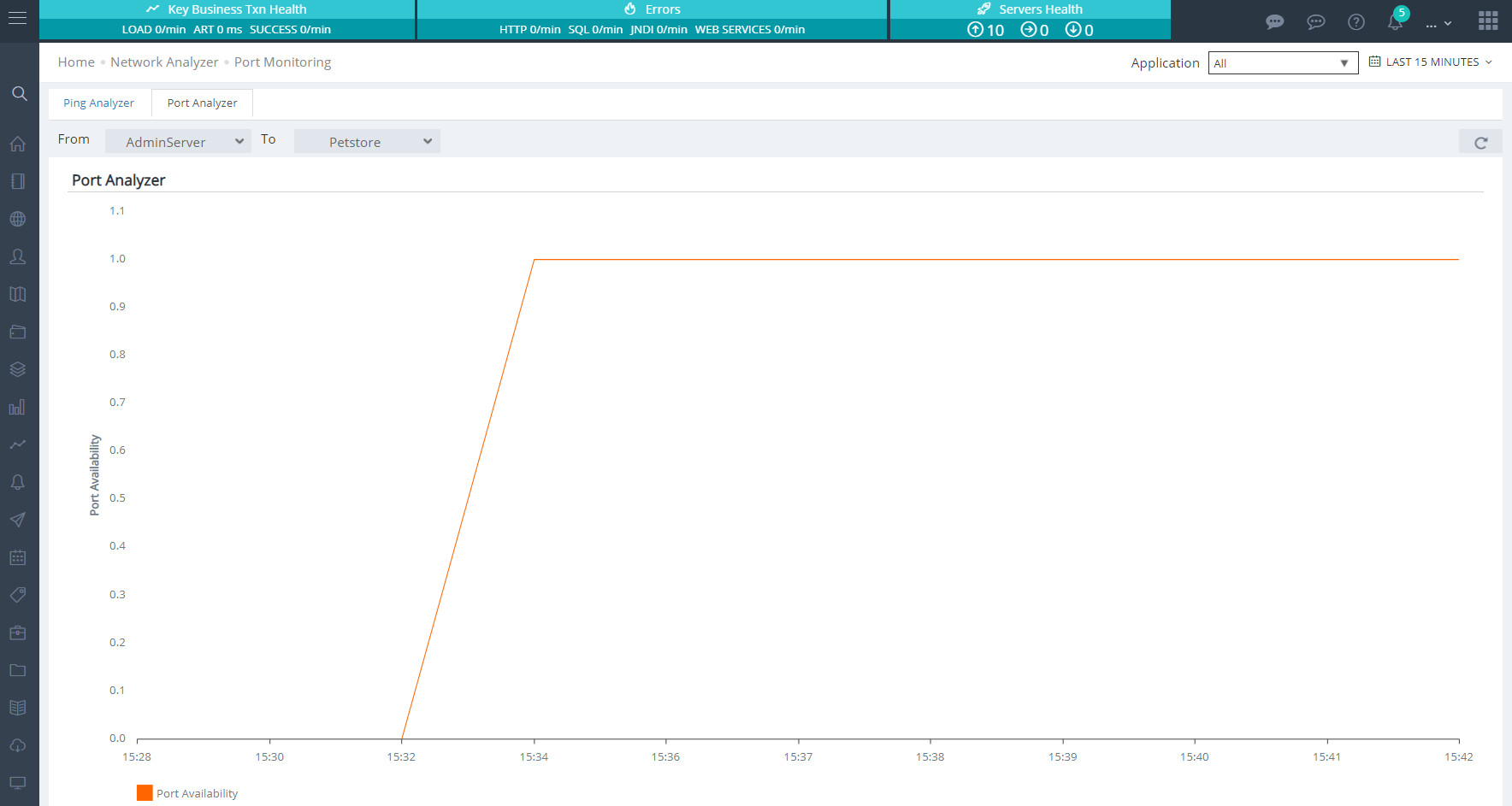
Port Analyzer
Parameters
Time to Live(TTL): Duration for which a sent packet remains active before being discarded. Packet size:The Size of the packet being sent. Time Out: Duration after which the connection will be terminated if no response is received.