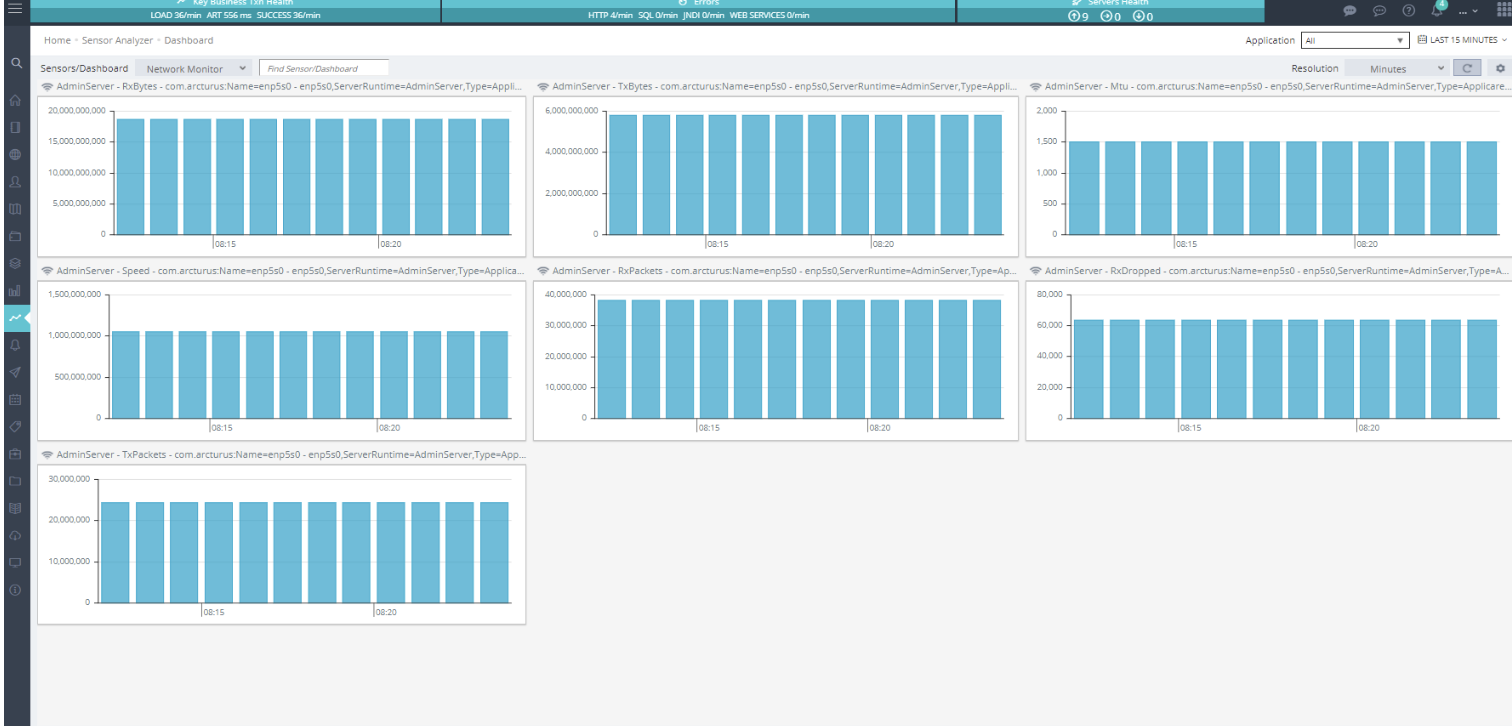
The Sensors Analyzer offers an accessible view of data gathered by JMX Sensors over time. For guidance on setting up JMX Sensors, refer to the instructions under Create Sensors.
You can customize your view by adding or removing charts. Simply click the Sensors button and choose the charts you wish to include or exclude.