
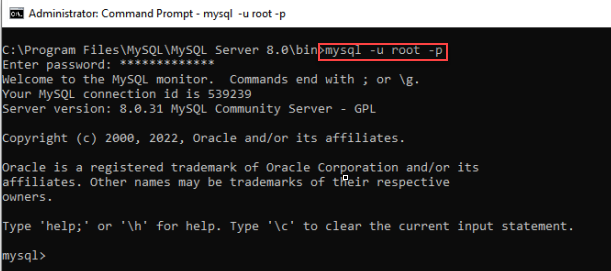
1. Open the command prompt as an administrator then navigate to MySQL_install_directory/bin path.
e.g. C:\Program Files\MySQL\MySQL Server 8.0\bin
2. After executing the command below, you will be prompted for a password, Once entered, you will be connected to the MySQL database.
mysql -u UserName -pUserName - The username you specified during MySQL installation
3. Once connected to the MySQL database, execute the command below to create the schema.
CREATE DATABASE applicare;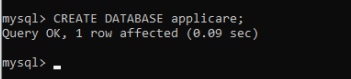
4. Executing the command below will display the created database.
SHOW DATABASES;