
- Install Applicare SingleAgent on the machine where Weblogic is running.
- If Weblogic is started using startWebLogic.bat file follow these step.
- Navigate to the <weblogic_domain_path>\bin directory startWebLogic.bat file.
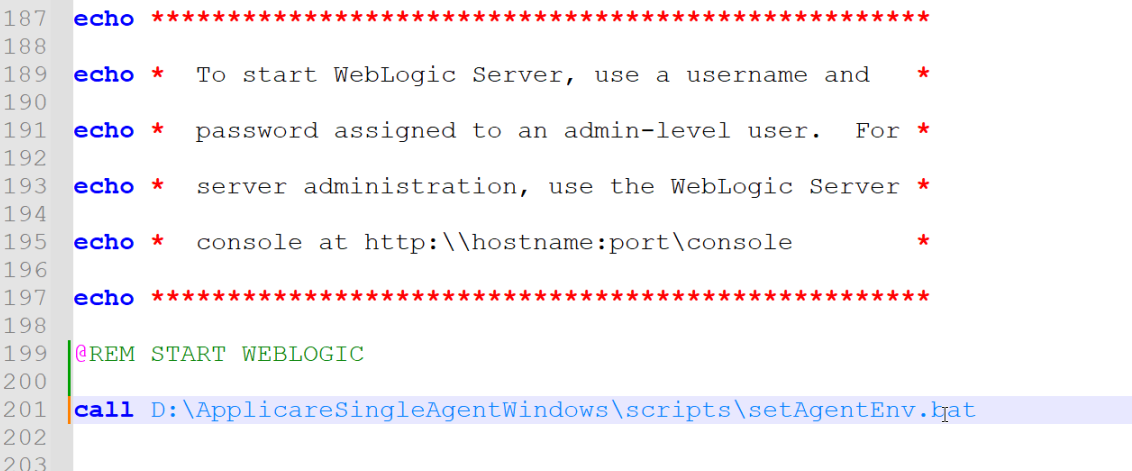
- Go to <weblogic_domain_path>\bin directory and add the following line to the startWebLogic.bat file.
call <ApplicareSingleAgent_homepath>\scripts\setAgentEnv.bat- <ApplicareSingleagent_homepath> - The directory where the Applicare SingleAgent zip file has been extracted.
- Restart Weblogic
Docs Home - Click here