
Applicare Console
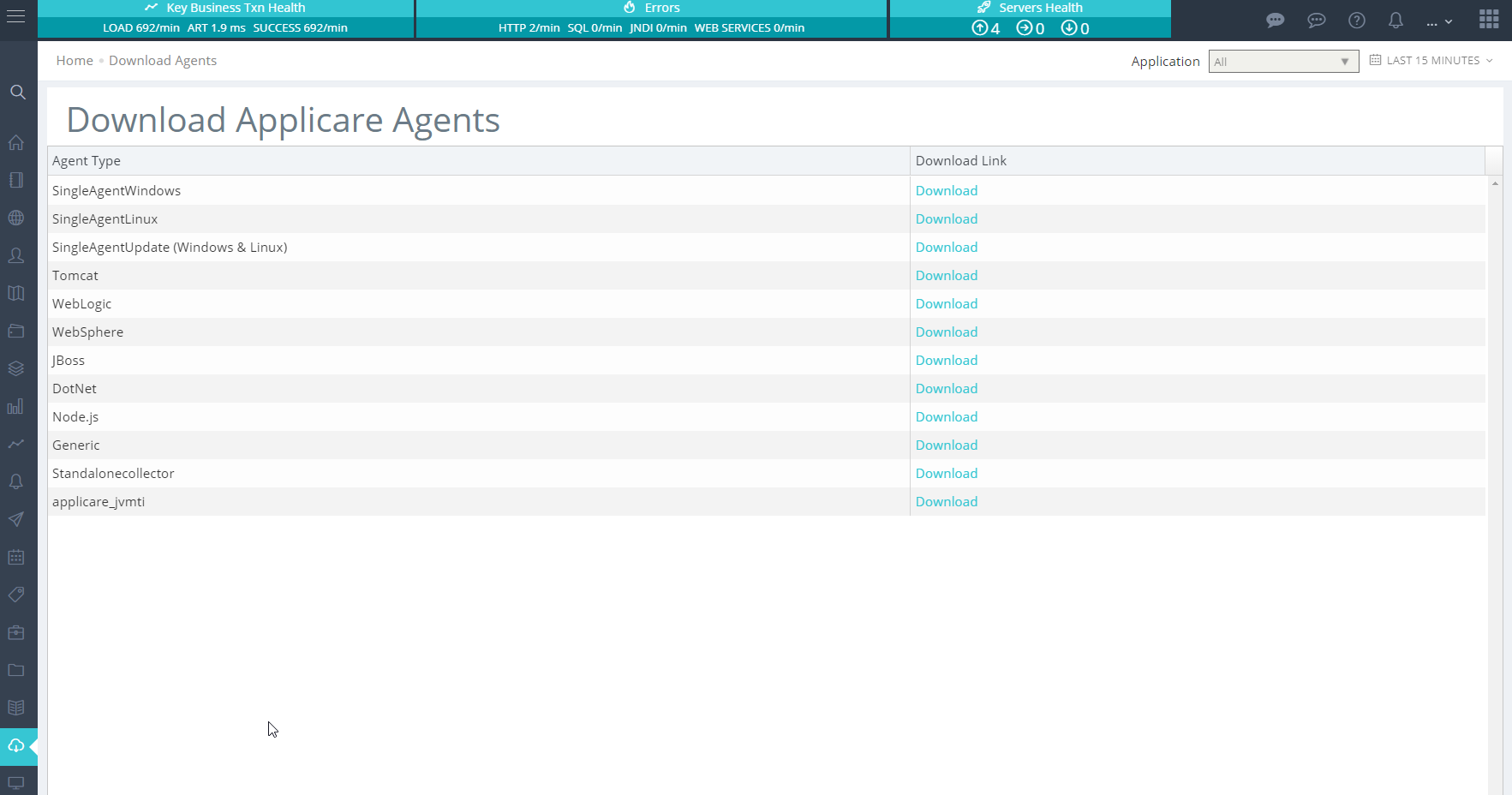
Using Curl to Download SingleAgent
1. Navigate to the machine where you plan to deploy SingleAgent and run the command provided below. Replace the ControllerProtocol, ControllerIP, ControllerPort and ApplicareSingleAgentName details.
curl ControllerProtocol://ControllerIP:ControllerPort/applicare/standalone?filename=ApplicareSingleAgentName.zip >ApplicareSingleAgentName.zip
ControllerProtocol -> http (or) https ControllerIP -> Applicare Controller running IP ControllerPort -> Applicare Controller running port ApplicareSingleAgentName -> ApplicareSingleAgentWindows (or) ApplicareSingleAgentLinux (or) ApplicareSingleAgentUpdate
Example:
curl http://127.0.0.1:8880/applicare/standalone?filename=ApplicareSingleAgentWindows.zip >ApplicareSingleAgentWindows.zip
curl http://127.0.0.1:8880/applicare/standalone?filename=ApplicareSingleAgentLinux.zip >ApplicareSingleAgentLinux.zip
curl http://127.0.0.1:8880/applicare/standalone?filename=ApplicareSingleAgentUpdate.zip >Ap