Managing JVM configurations manually is time-consuming, requiring remote server access and direct editing of configuration files. Applicare simplifies this by providing a centralized UI to manage these settings. This eliminates the need for manual file intervention and ensures consistency across your environment.
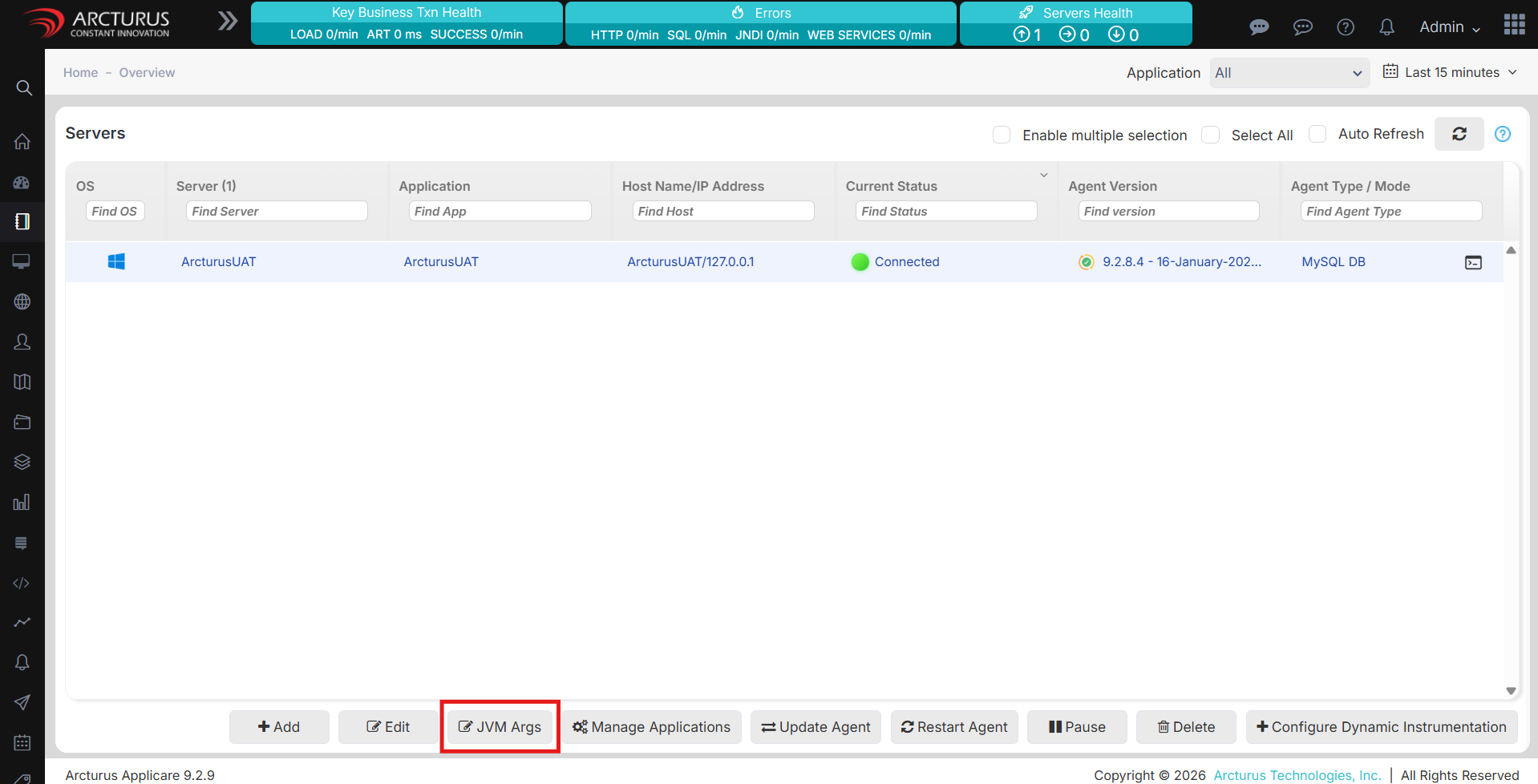
Navigate to the Overview screen and select your server.
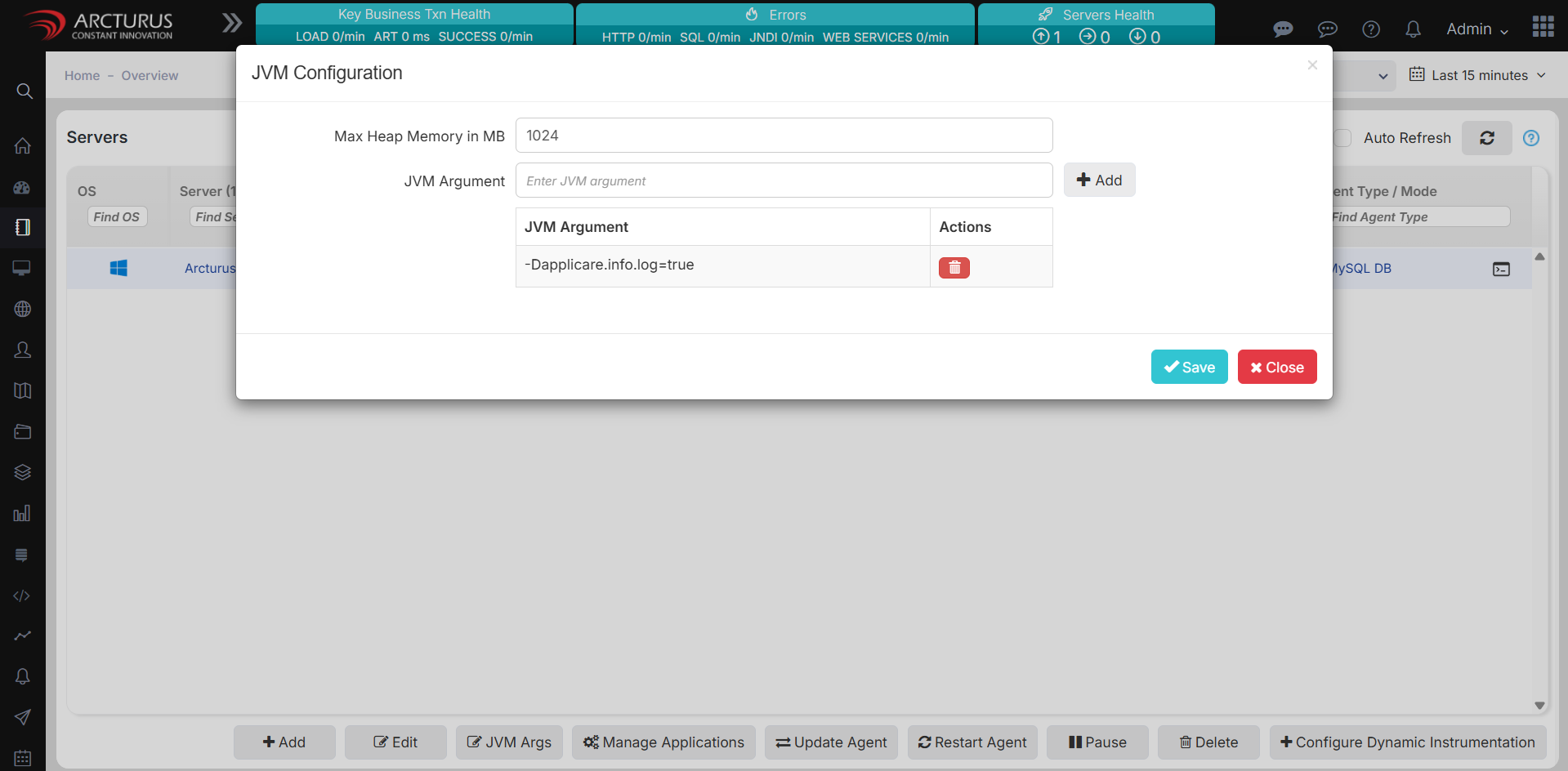
Click the JVM Args button to open the configuration popup.
Add, remove, or edit JVM arguments and heap memory as needed.
Save your changes.
Wait two minutes before restarting the Agent to allow the new configuration to sync.