
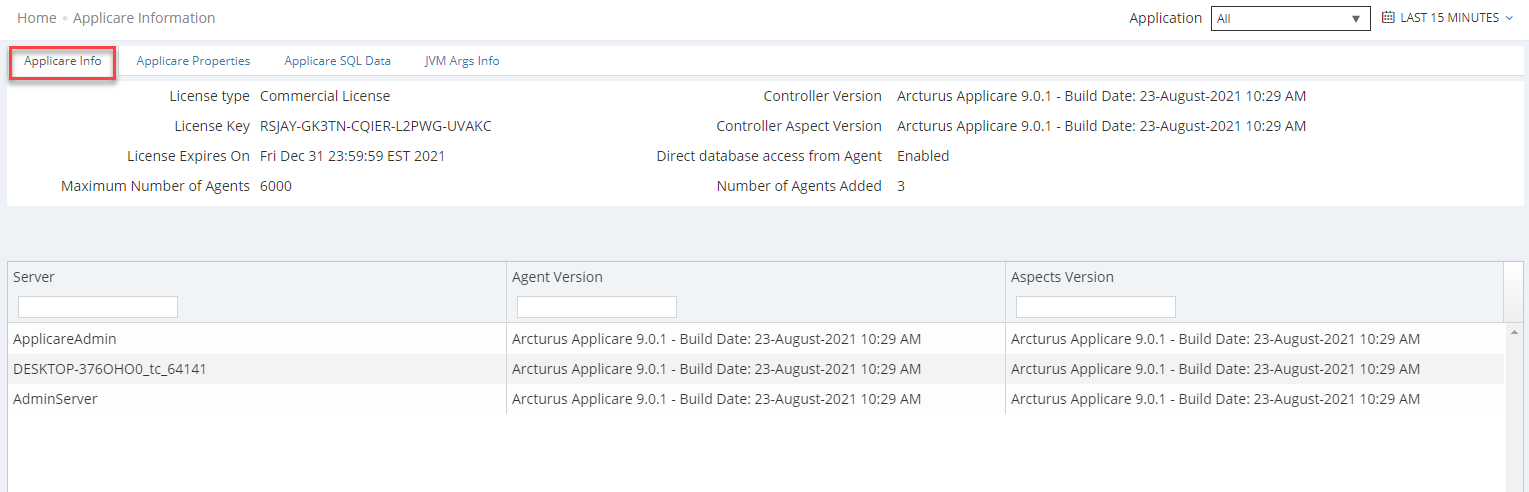
Applicare Info
Display the information of the Applicare Controller and agent that has been added to the Applicare Controller and license details.
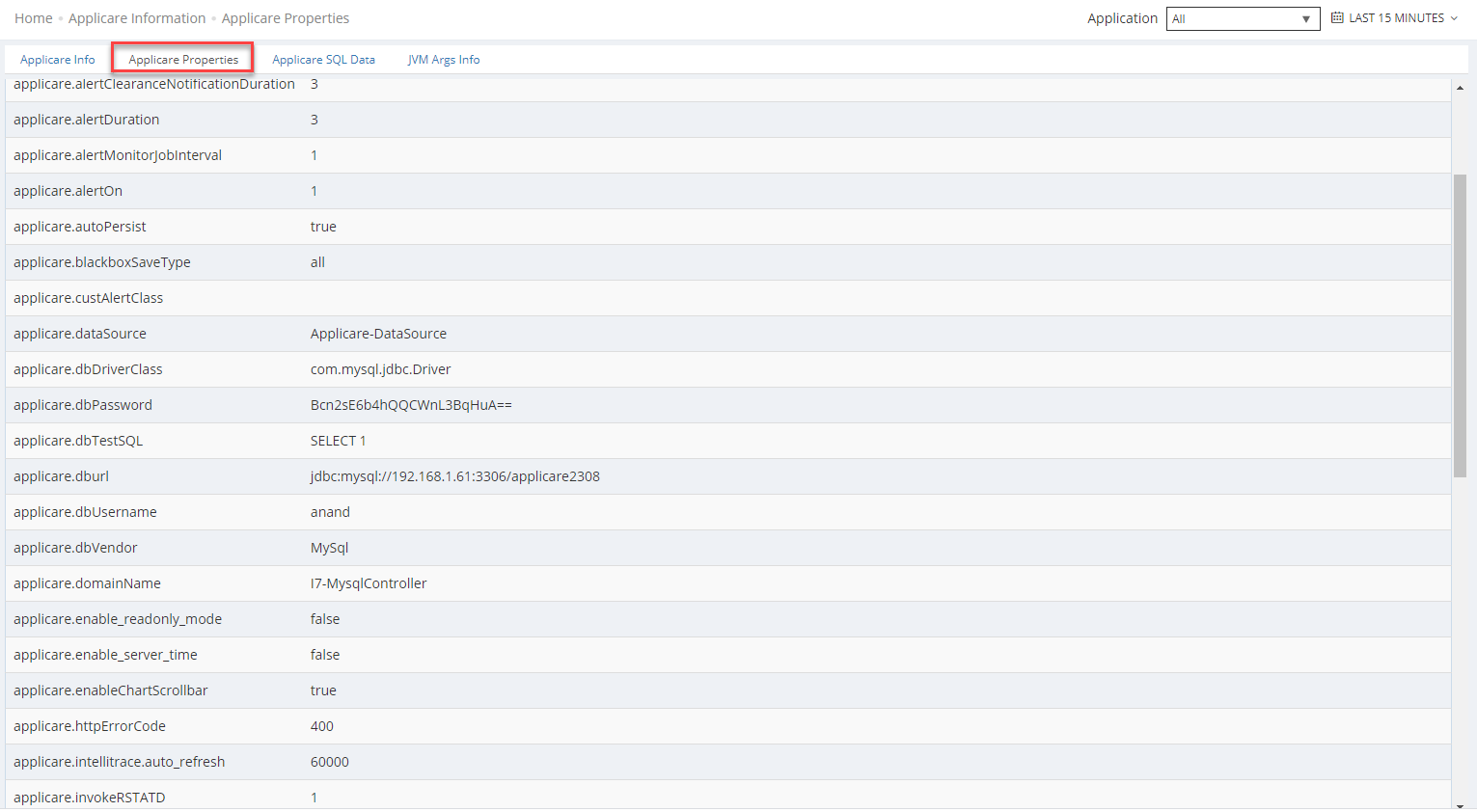
Applicare properties
This screen displays details about the Applicare Controller, including the database name, log file path, DB URL, and DB DriverClass, among other information.
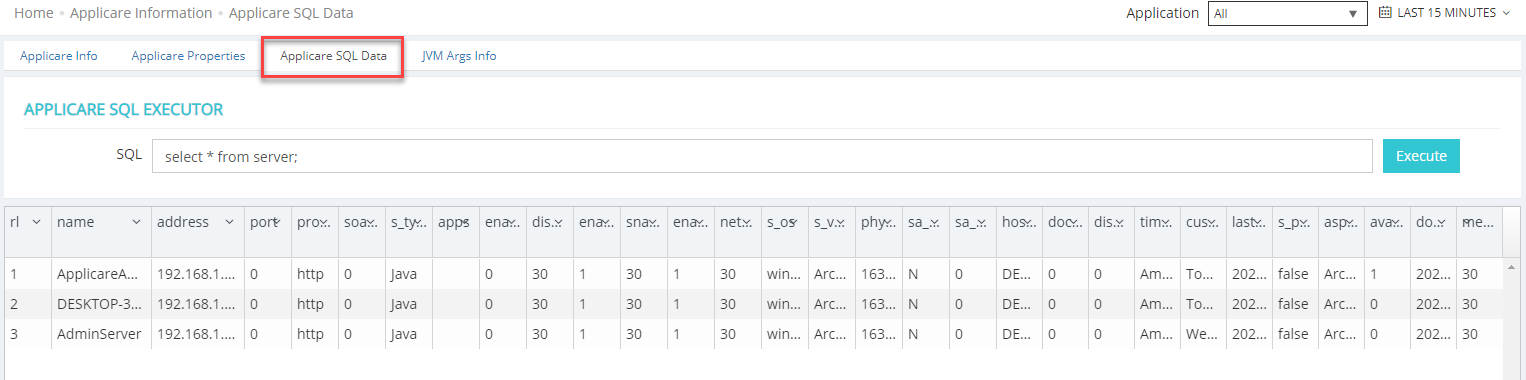
Applicare SQL Data
You can execute database queries directly from this screen. e.g.- you can run queries related to the agent server in the Applicare Controller.
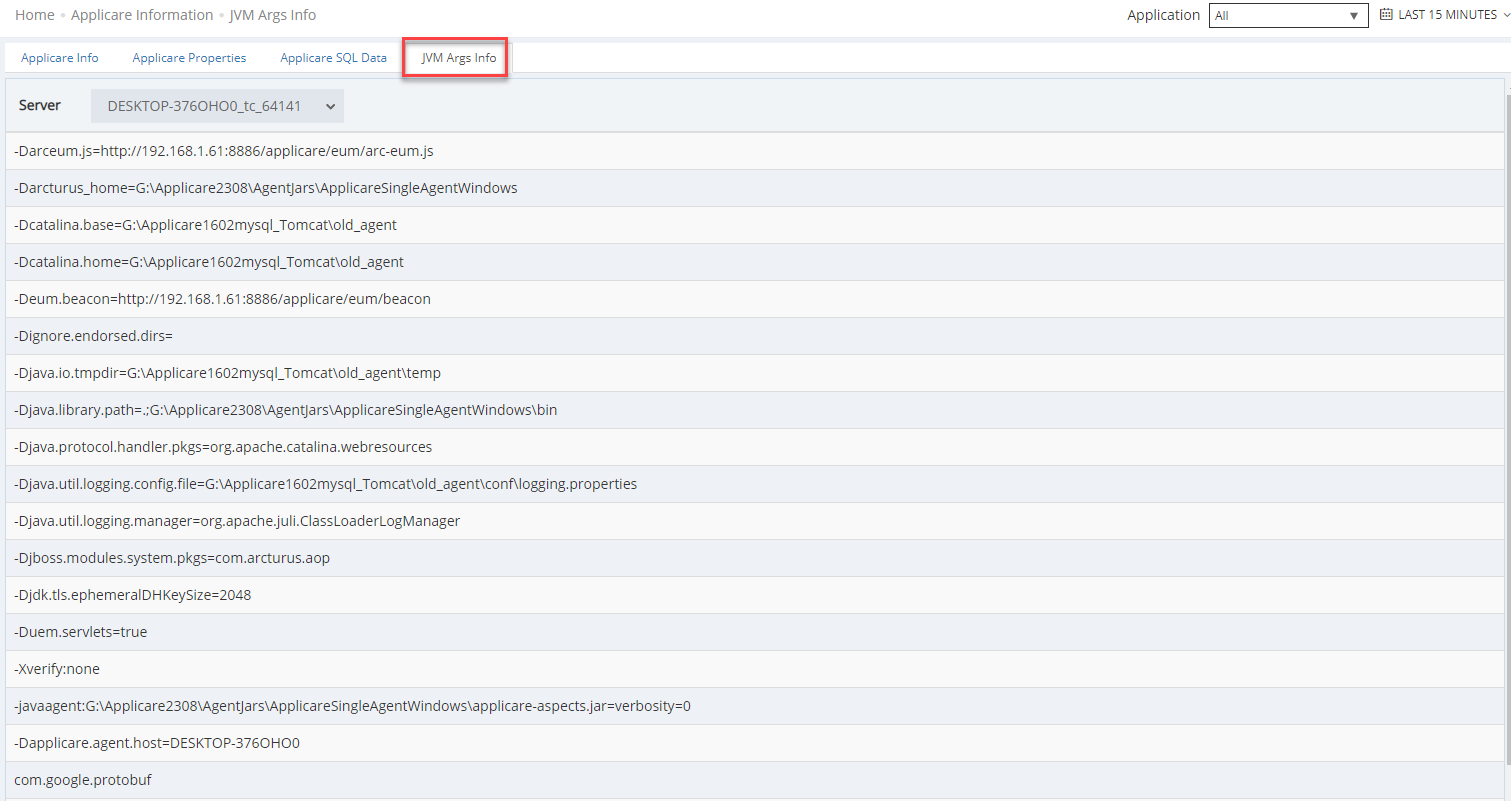
JVM Arguments Info
Shows the Java arguments used by the server within the Applicare controller.
REST API
https://helpdesk.arcturustech.com/hc/en-us/articles/7644666377357