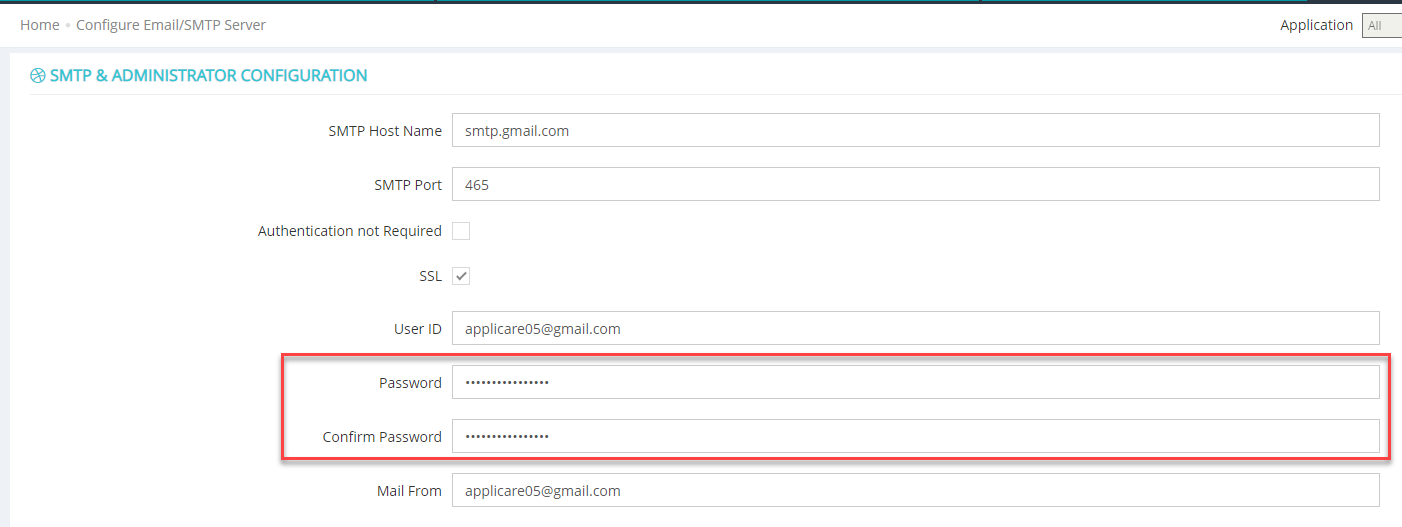
Step 1: Log in to your Gmail account.
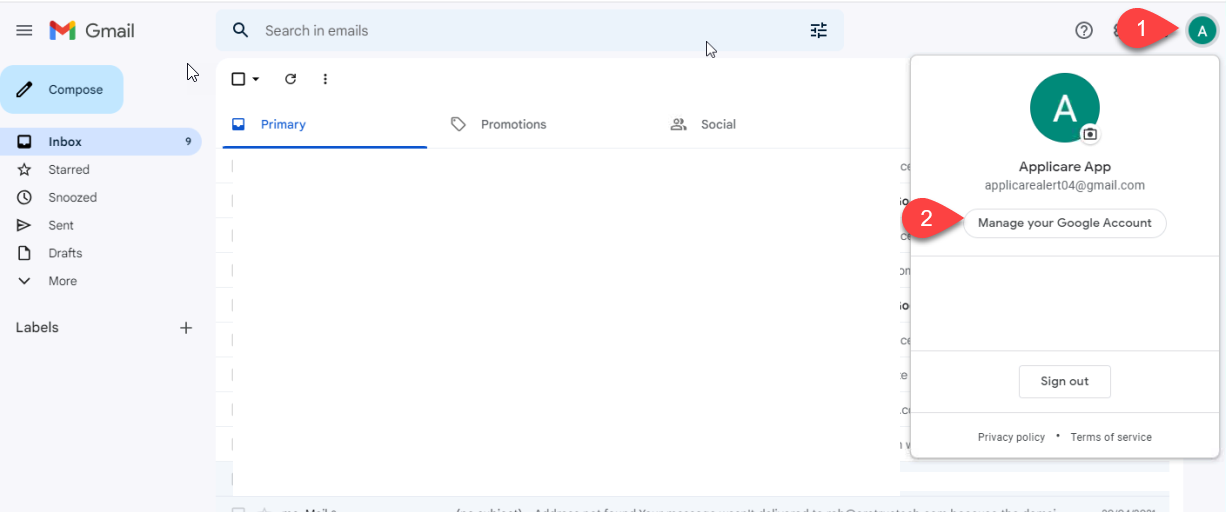
Step 2: Click on your Google account icon and select Manage your Google Account.
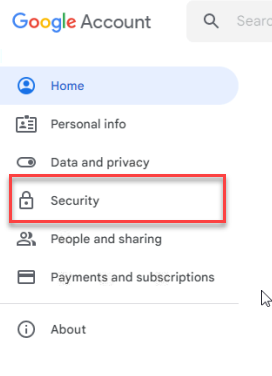
Step 3: Click on the Security option on the left side.
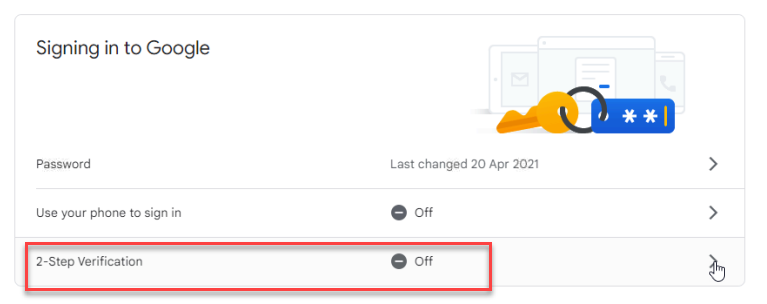
Step 4: Click on 2-Step Verification.
Click the "Get Started" button.
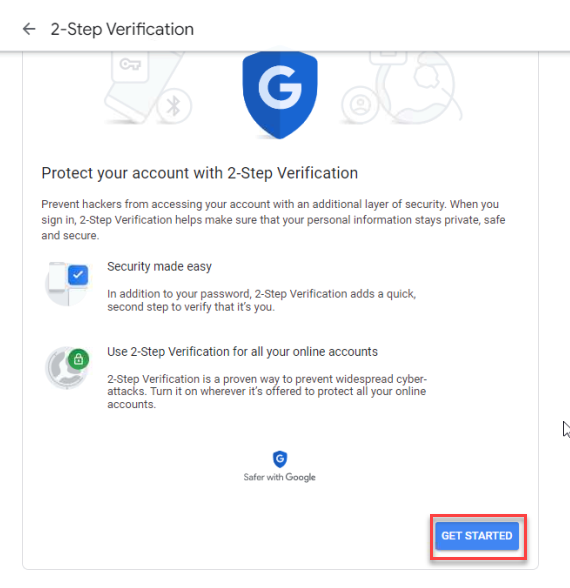
Step 5: Log in again using your Gmail password and verification code.
Step 6: Verify your mobile number and click on Next button.
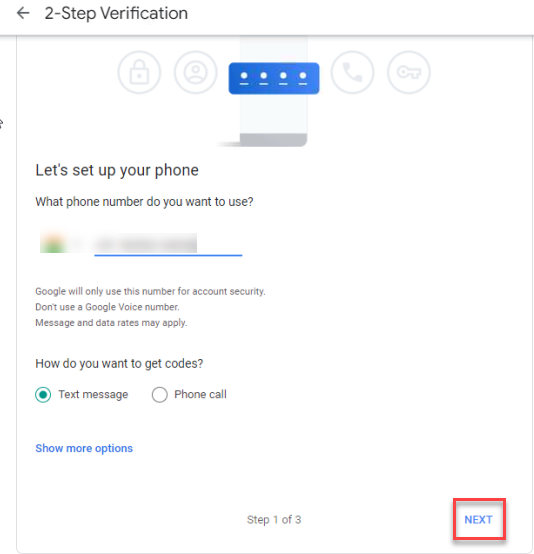
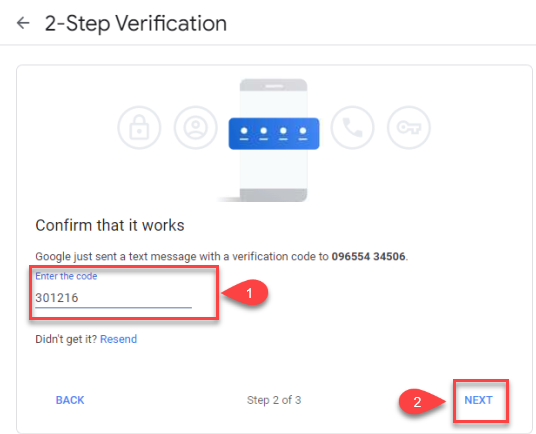
Step 7: Enter the verification code and click on the Next button.
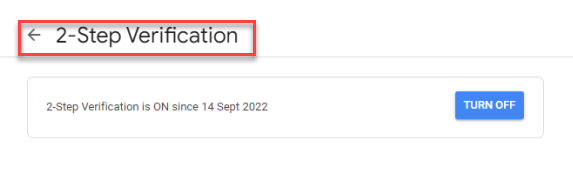
Step 8: Click the Turn On button.
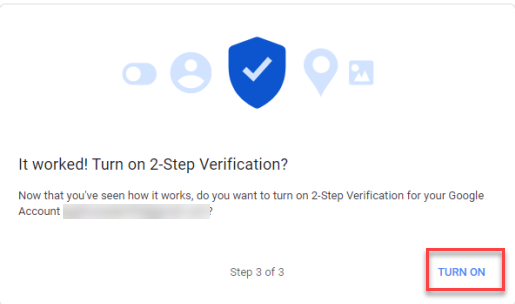
Click on 2-Step Verification to access the Gmail security screen.
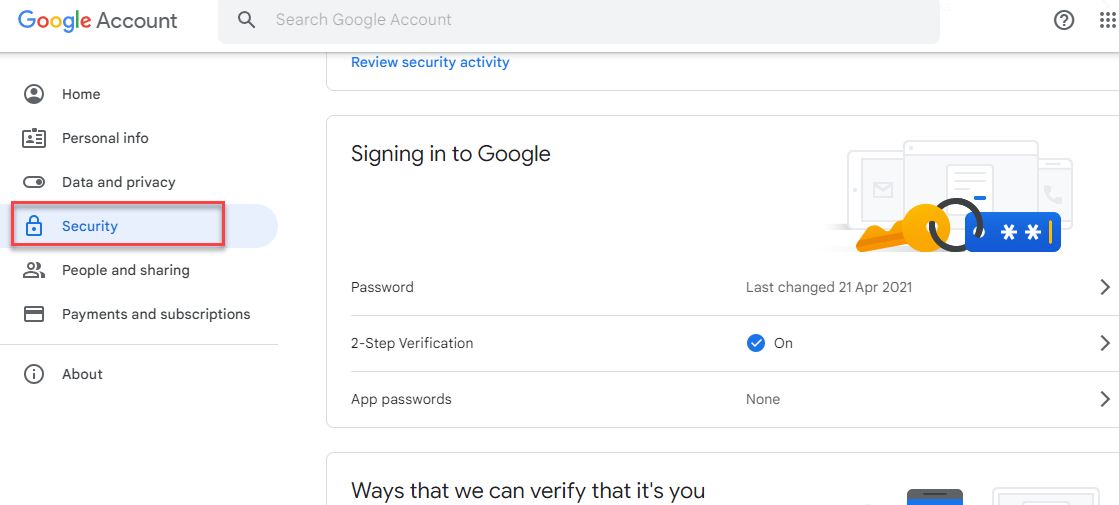
Step 9: Click on App password
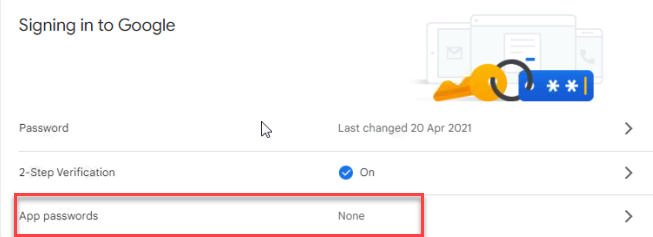
Step 10: Log in again your Gmail password and verification code.
Step 11: From the Select app dropdown menu, choose the "other (custom name)" option.
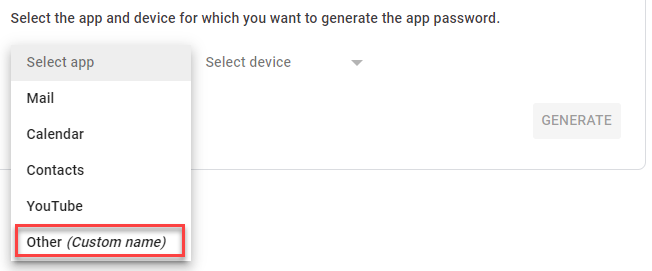
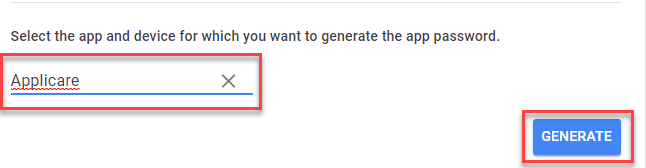
Step 12: Enter "Applicare" name as the App name and click the Generate button.
Step 13: Copy the generated app password and save it in a file. This app password will be used as the email password in the SMTP configuration.