
Agent less Monitoring of the AWS environment
1. Log in to the Applicare controller and navigate to the AWS screen in the left side menu. Select the configured IAM user.

2. Applicare automatically maps the entire AWS environment, with information being auto-detected and updated as changes occur. You can view detailed information by selecting a specific AWS resource.
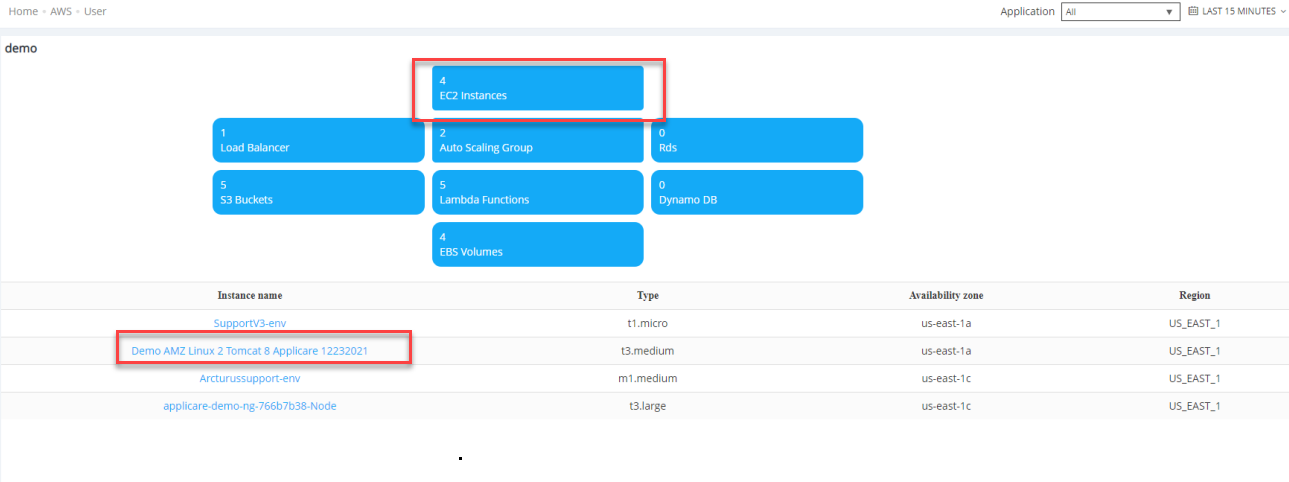
3. You can access a detailed view of the resource without needing to deploy any agents.
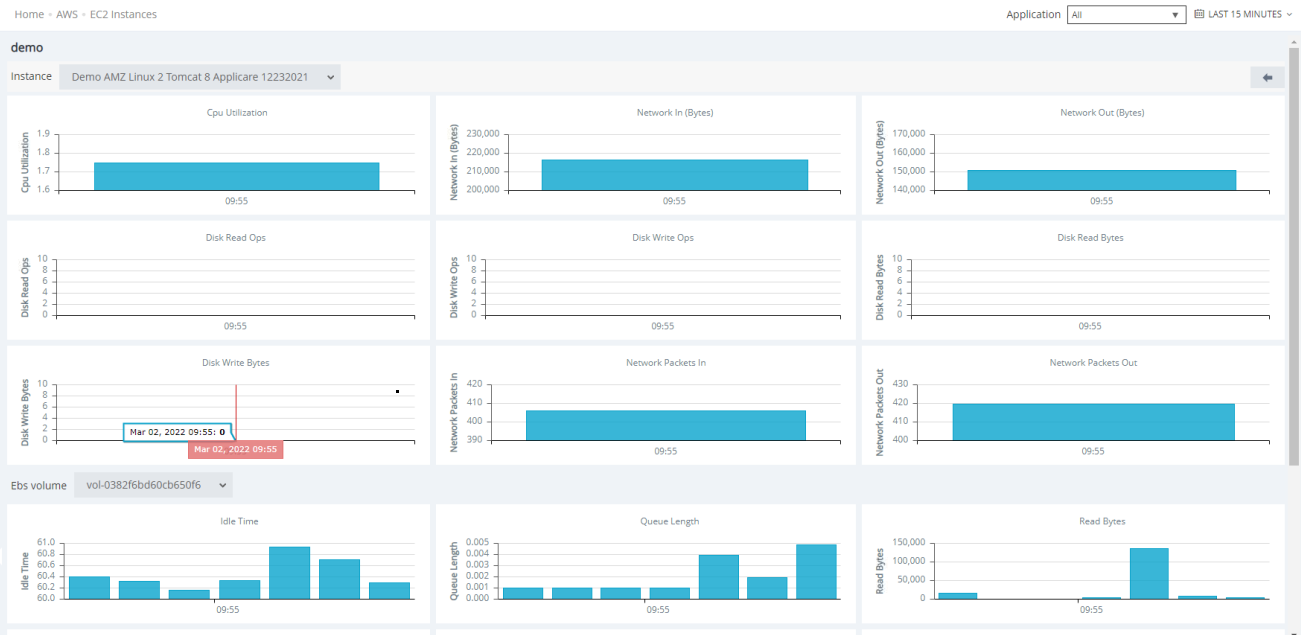
Follow this for AWS monitoring configuration