Business Transaction Exceptions
Community · Tips & Tricks
Community post
Shared by the Applicare community. It has not been re-checked against Applicare 10.0, so confirm the steps in your environment or contact Support.
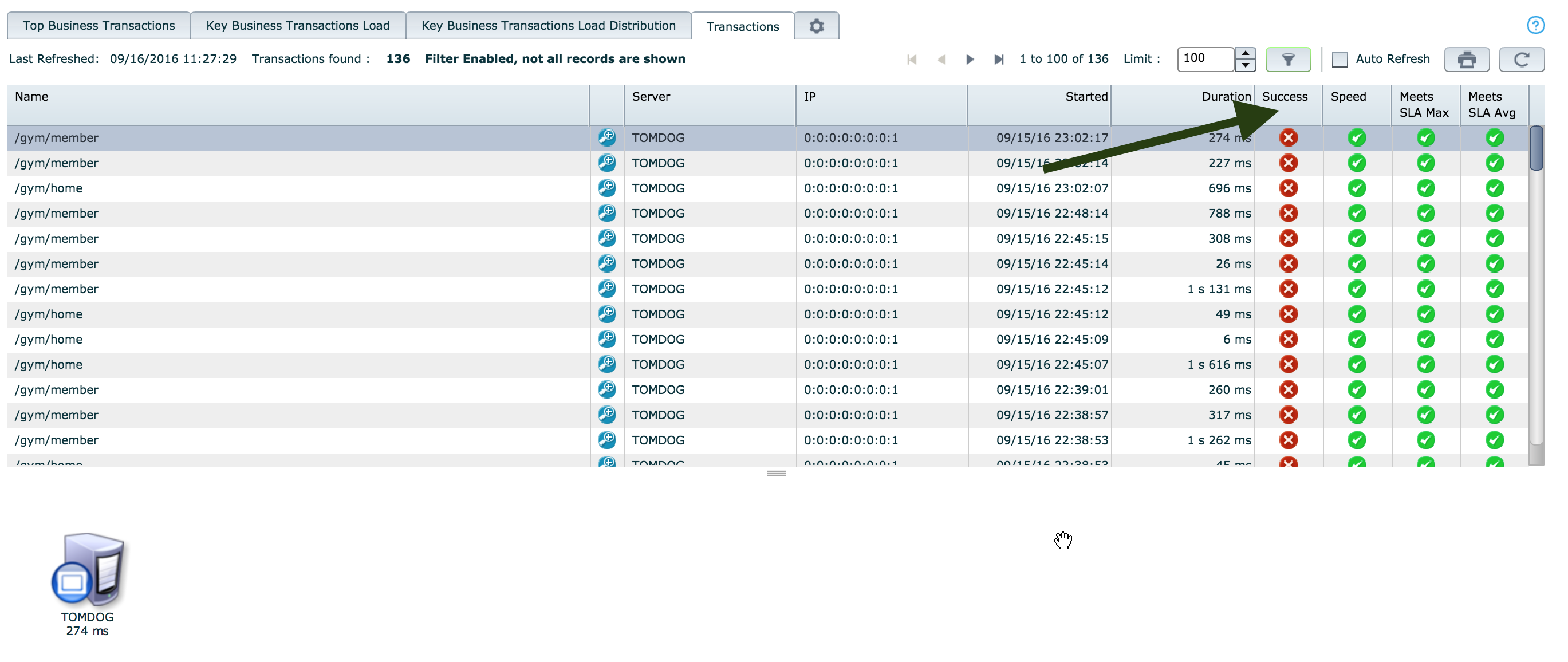
Transactions that are marked as failed have exceptions:
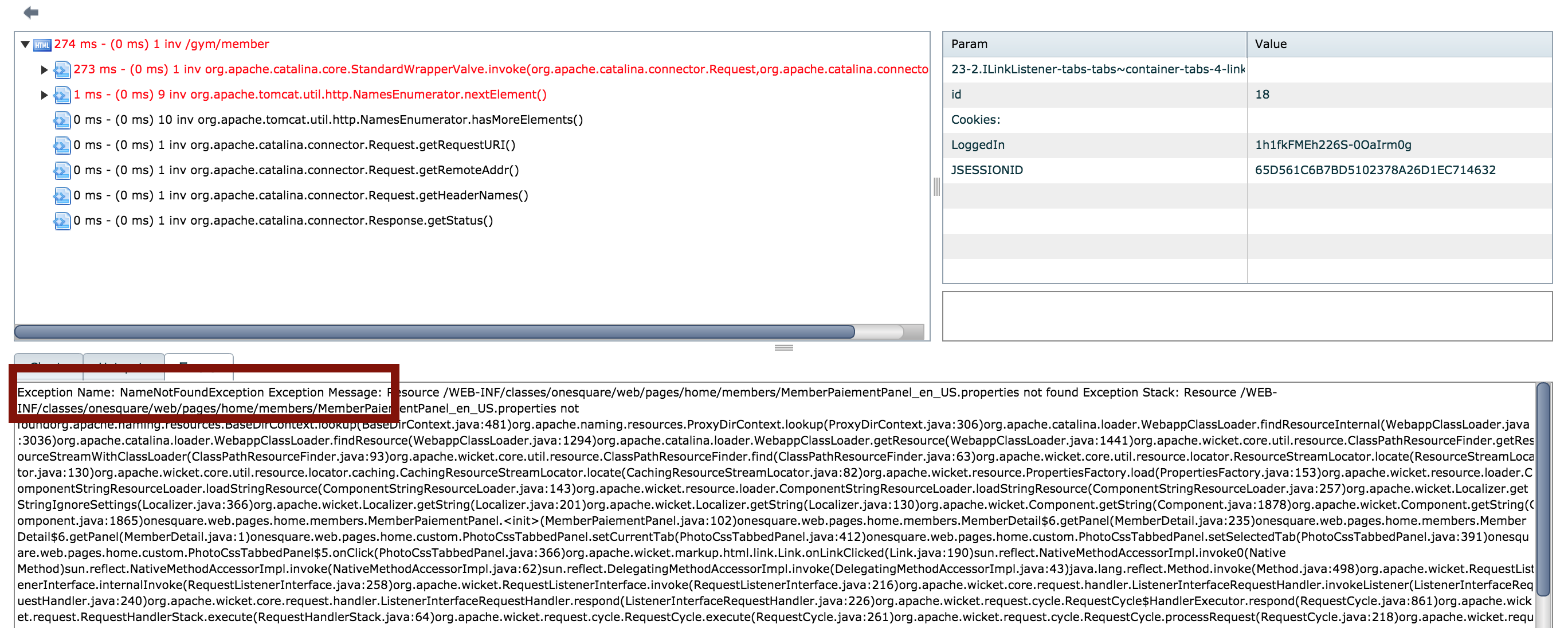
You can see the details of the exception at the bottom:
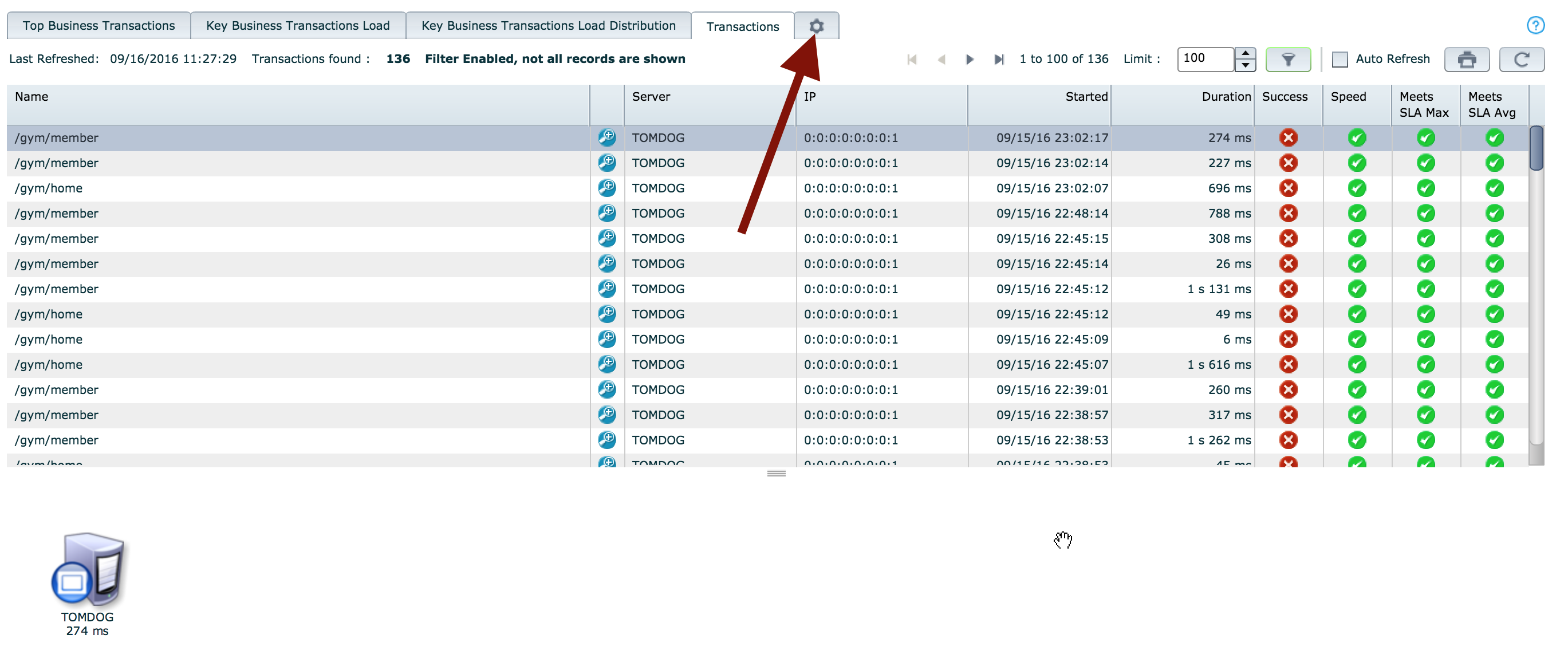
Click on the config button to edit the exceptions configuration:
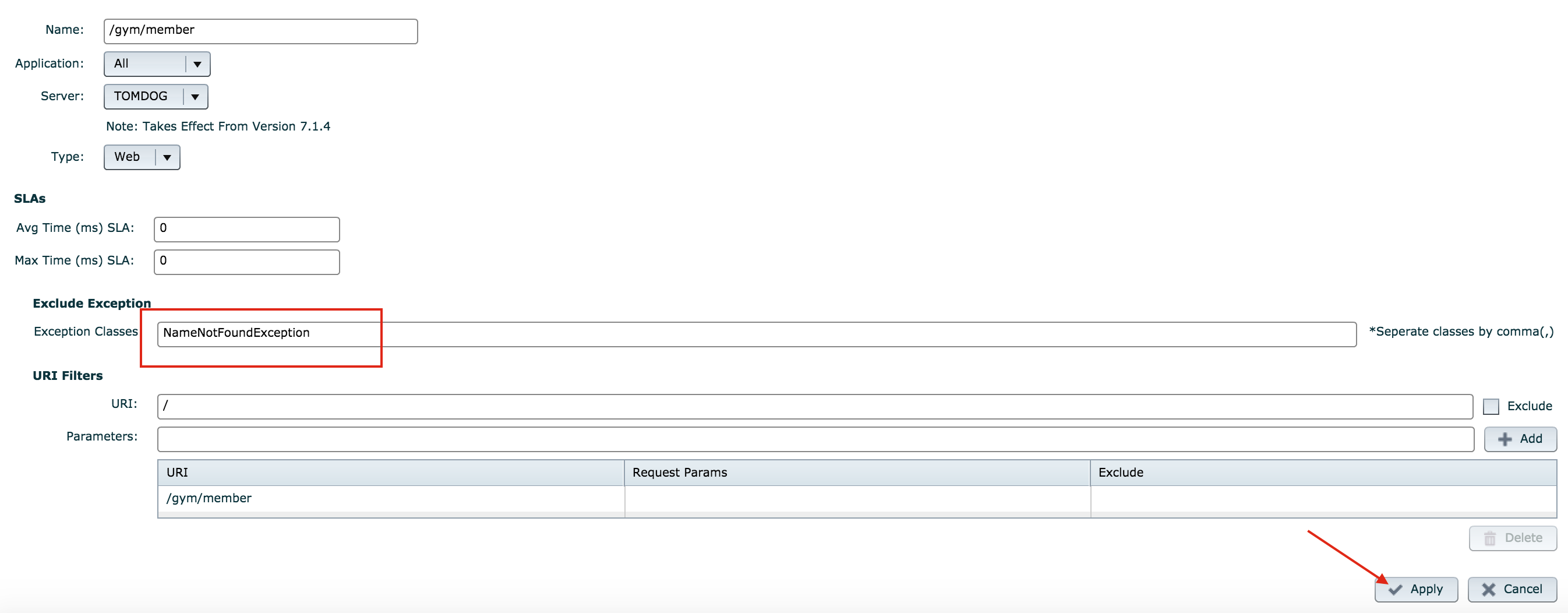
Add the list of exceptions that you would like to exclude:
The exception should the be marked as successful:
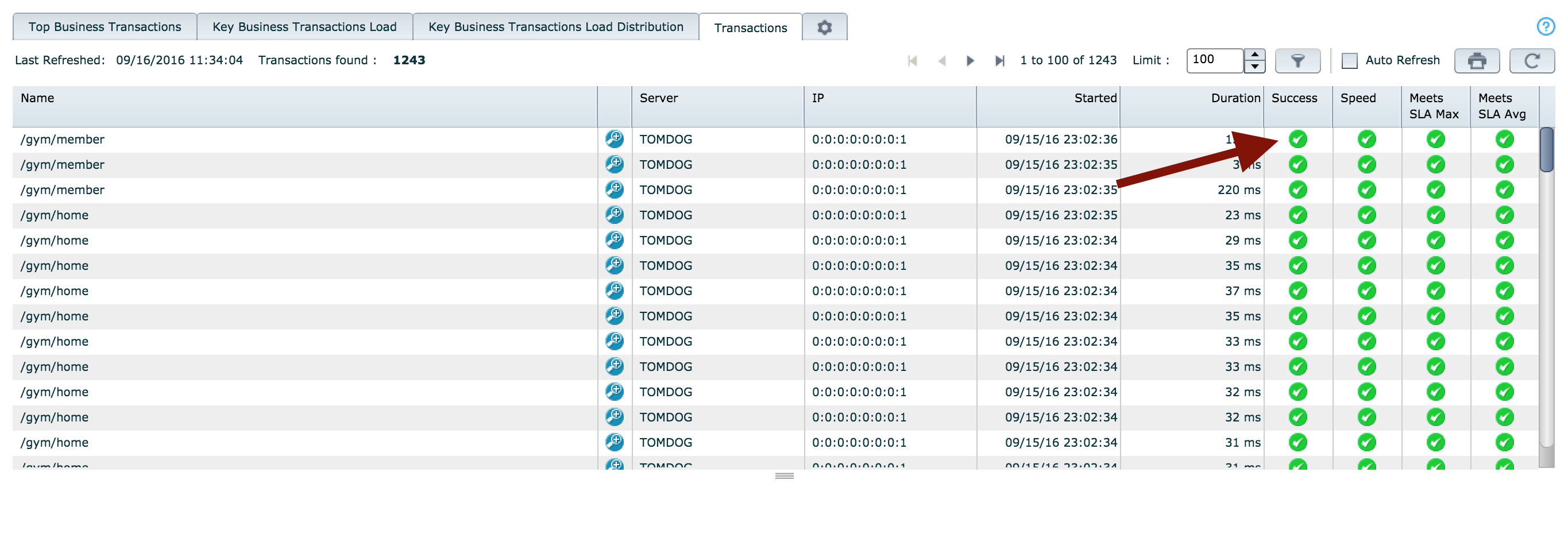
The transaction will be successful. If you exclude the trace for successful transactions, it will not appear:

Join the discussion
Comments, voting and following are kept by Zendesk and need a Help Center account. This button opens the original discussion there.
Opens Zendesk · needs internet and sign-in
