
Step 1: Download Applicare collector from the link below and extract it to the directory named applicare_otel_collector\windows in the Applicare home directory.
https://applicare.blob.core.windows.net/demoapplication/windows_collector.zip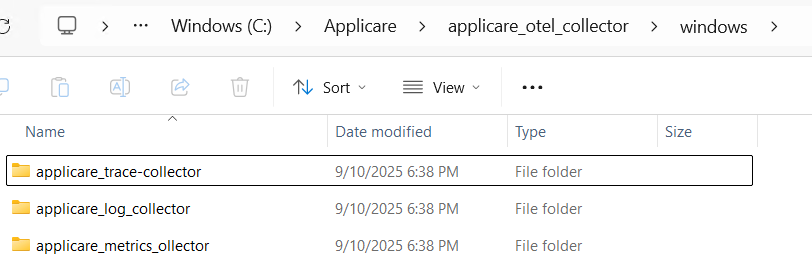
Step 2: We can see three different directories.
Metric collector installation:
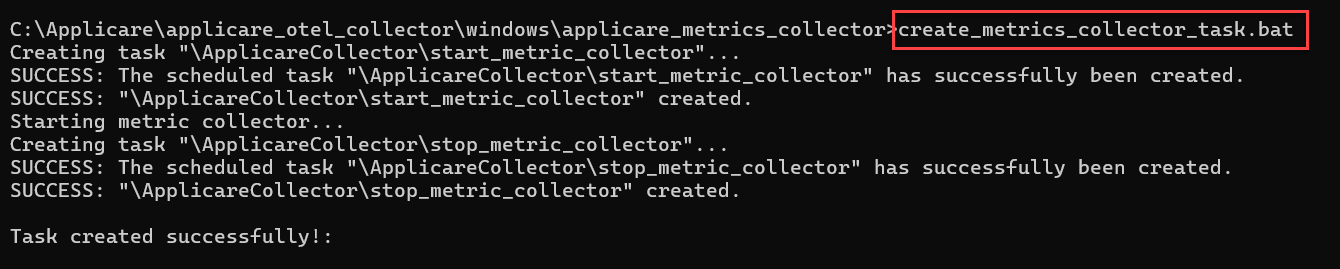
If want to install Metric Collector, open the command prompt in administrator mode, go to the applicare_metrics_collector directory and execute the create_metrics_collector_task.bat file.
The following port must be opened on the system.
9090
Trace collector installation:
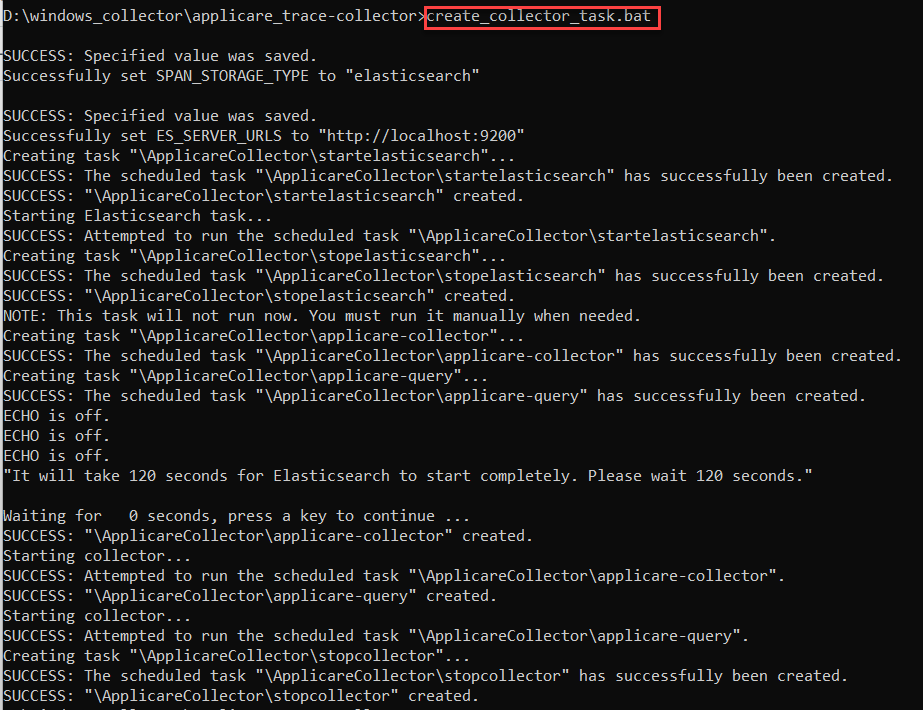
If want to install Trace Collector, open the command prompt in administrator mode, go to the applicare_trace_collector directory and execute the create_collector_task.bat file.
After executing, it will take a minute for elasticsearch to run, so wait until then and do not close the command window.
The following port must be opened on the system.
4318
Log collector installation:
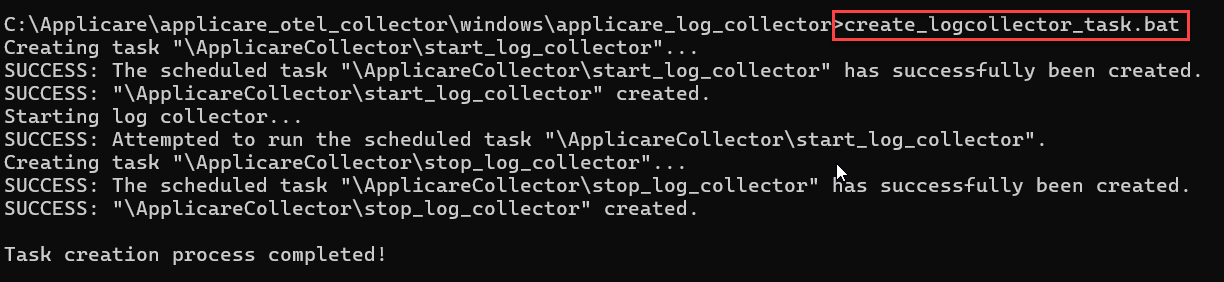
If want to install Log Collector, open the command prompt in administrator mode, go to the applicare_log_collector directory and execute the create_logcollector_task.bat file.
The following port must be opened on the system.
3100