Updated Sep 13, 2024Applies to 10.0, 9.2Not yet checked for Applicare 10.0
Check this against your version
This article was last updated on Sep 13, 2024, before Applicare 10.0 was released (Jun 19, 2026), and has not been re-checked for Applicare 10.0. Confirm the steps in your environment or contact Support.
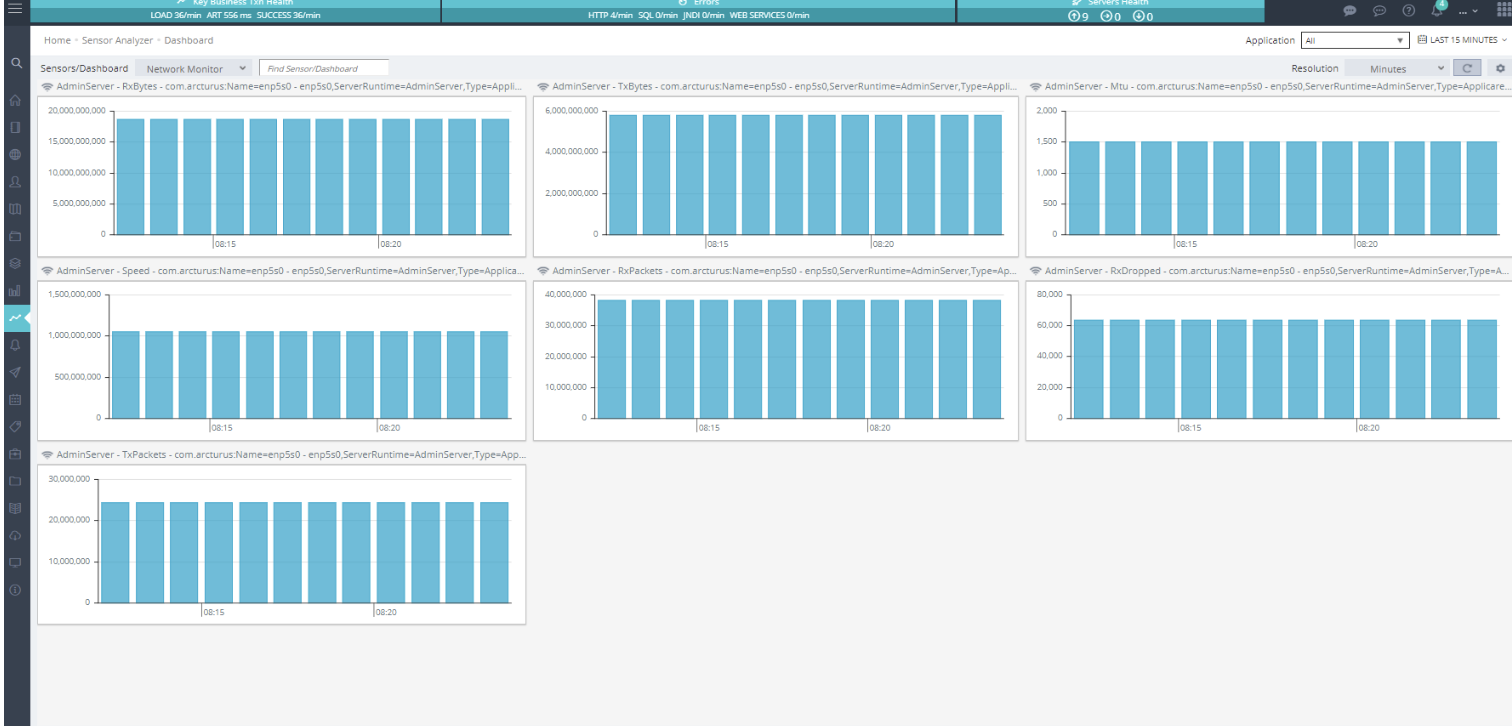
The Sensors Analyzer offers an accessible view of data gathered by JMX Sensors over time. For guidance on setting up JMX Sensors, refer to the instructions under Create Sensors.
You can customize your view by adding or removing charts. Simply click the Sensors button and choose the charts you wish to include or exclude.