SingleAgent Installation for Appserver using command Mode for Linux
Updated Sep 13, 2024javasingleagentlinuxApplies to 10.0, 9.2Not yet checked for Applicare 10.0
Check this against your version
This article was last updated on Sep 13, 2024, before Applicare 10.0 was released (Jun 19, 2026), and has not been re-checked for Applicare 10.0. Confirm the steps in your environment or contact Support.
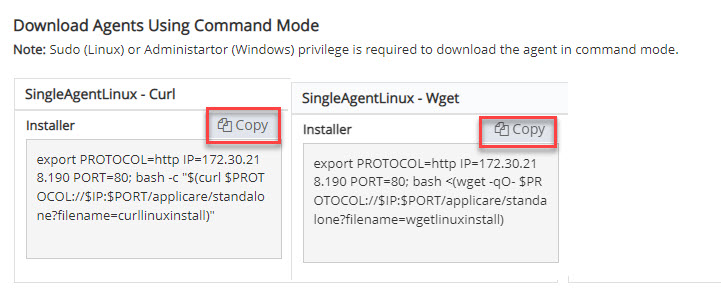
1. Log in to Applicare console, Navigate to Download Agents screen.
2. On the machine where the agent will be deployed. If Wget is installed, execute the WgetInstaller command. If Curl is installed, Use the Curl Installer command instead.
3. Enter n to prevent the SingleAgent from starting Automatically.