Updated Jan 16, 2026javasingleagentApplies to 10.0, 9.2Not yet checked for Applicare 10.0
Check this against your version
This article was last updated on Jan 16, 2026, before Applicare 10.0 was released (Jun 19, 2026), and has not been re-checked for Applicare 10.0. Confirm the steps in your environment or contact Support.
Managing JVM configurations manually is time-consuming, requiring remote server access and direct editing of configuration files. Applicare simplifies this by providing a centralized UI to manage these settings. This eliminates the need for manual file intervention and ensures consistency across your environment.
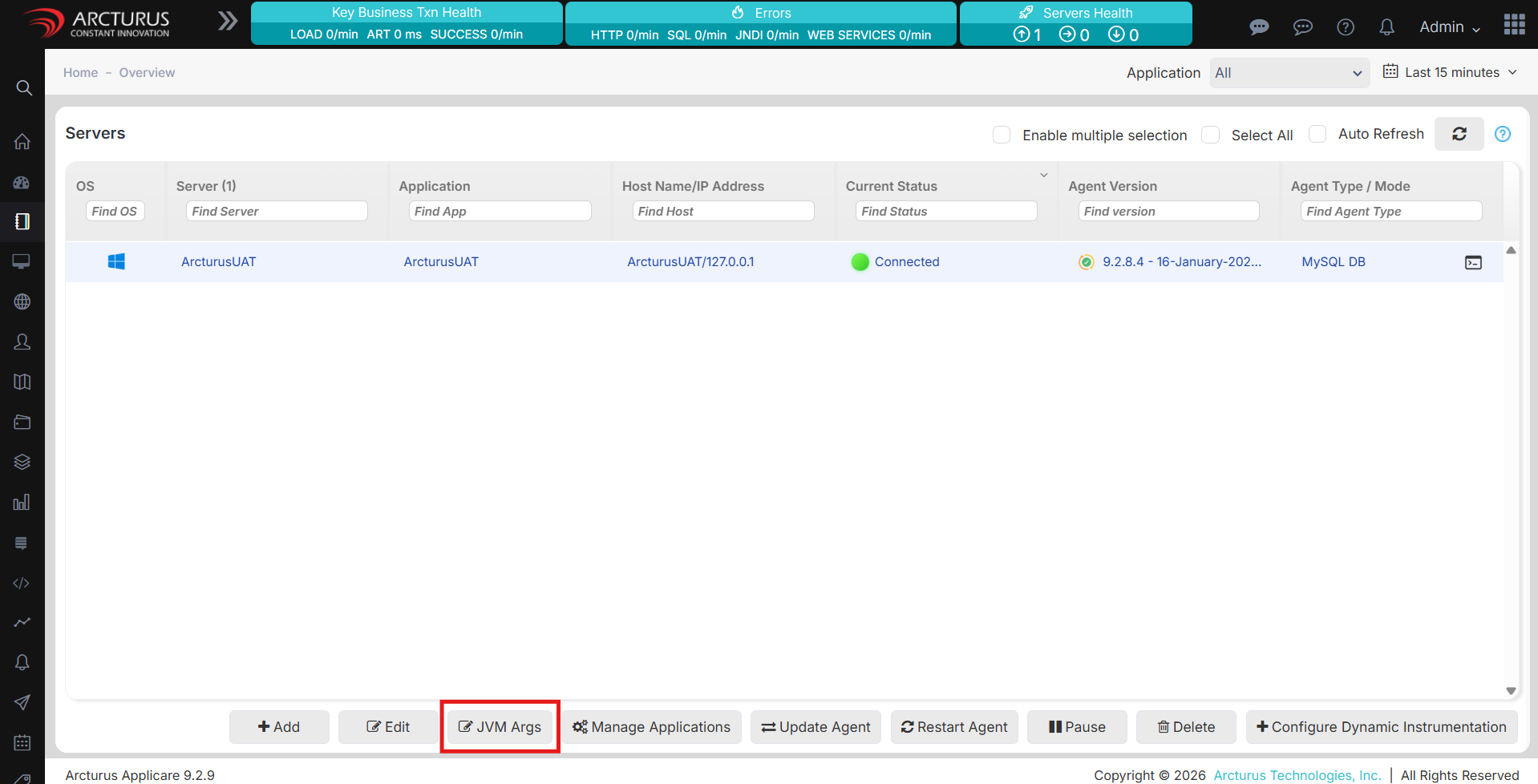
Navigate to the Overview screen and select your server.
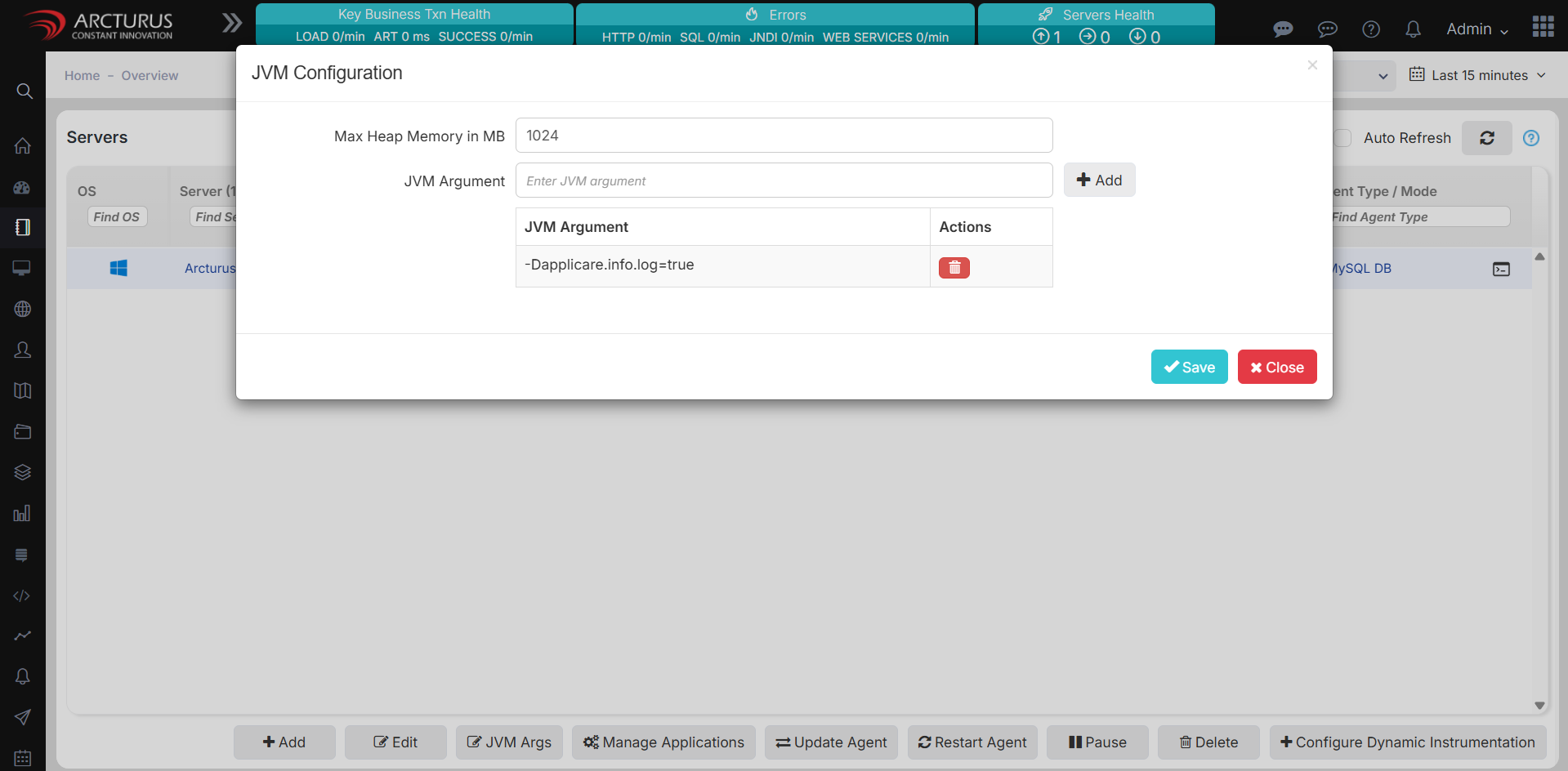
Click the JVM Args button to open the configuration popup.
Add, remove, or edit JVM arguments and heap memory as needed.
Save your changes.
Wait two minutes before restarting the Agent to allow the new configuration to sync.
Was this article helpful?
Votes, comments and follows are kept by Zendesk, so they need a Help Center account. These buttons open this article there.