Enable Logging in Hibernate
Community · Tips & Tricks
Community post
Shared by the Applicare community. It has not been re-checked against Applicare 10.0, so confirm the steps in your environment or contact Support.
Verify that no log4j.properties exists in thhe WEB-INF/classes directory of the web application.
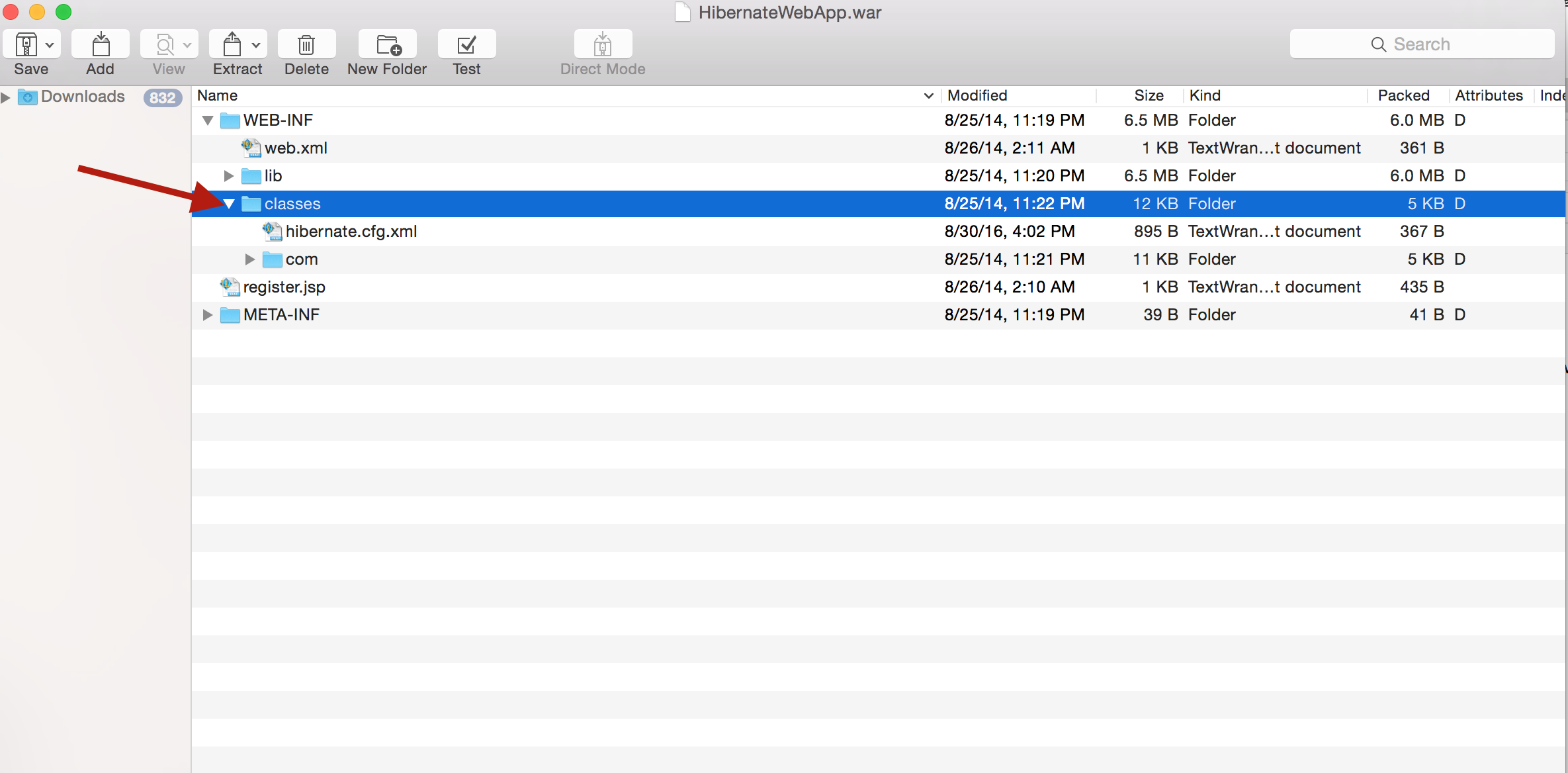
If no such file exists, create a new one using the attached file at the bottom of this article.
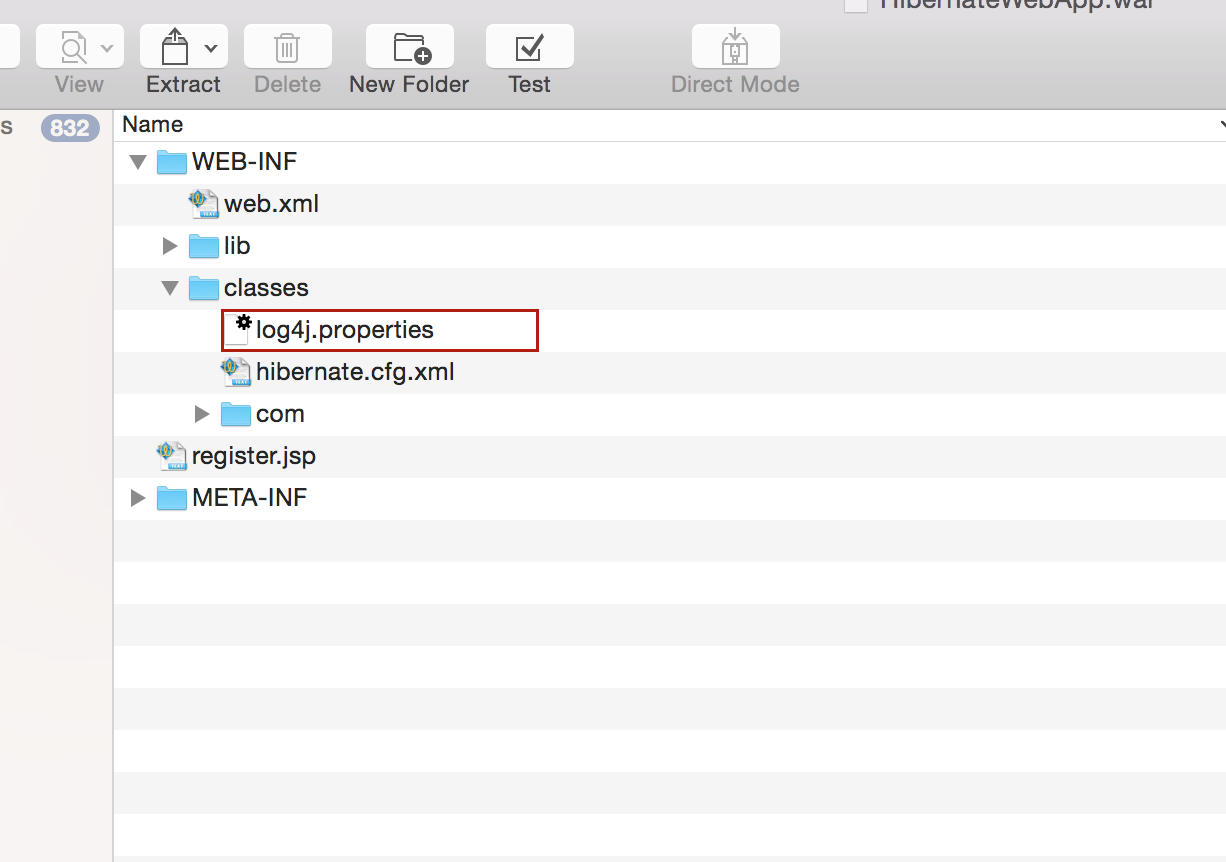
Finally select the right wanted logging level for hibernate.
For example:
log4j.logger.org.hibernate=DEBUG
log4j.properties
Join the discussion
Comments, voting and following are kept by Zendesk and need a Help Center account. This button opens the original discussion there.
Opens Zendesk · needs internet and sign-in
