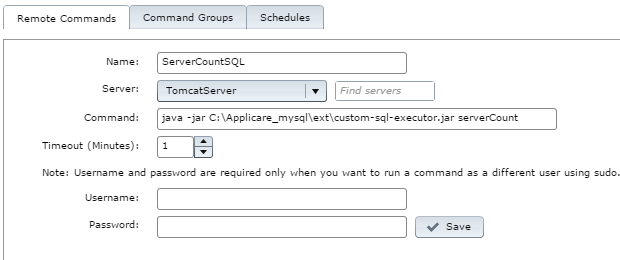
Save the changes and click on the Run button to verify the output of your custom SQL command. You can also see the output of the remote command when you come back to the remote command home directory. If you receive an error, check the SQL command and steps mentioned above. The error's stack trace appears in the Standard Error tab.
Once you receive a successful number value from the remote command executor, you can see the value in the Shell script MBean type of the respective server's MBean browser.
Now you can add this MBean in the Sensor Analyzer.